01 · Source
Mac M2 Pro
Native Retina signal
Your monitor signal, captured straight from the Mac with no tone mapping at the source.
Remio carries a pixel-faithful H.265 stream to your iPad or Mac, and forwards Apple Pencil Pro and Wacom Intuos Pro pointer strokes back to Photoshop, DaVinci Resolve, Final Cut Pro, and Procreate — true 4:4:4 color is now live — NVIDIA-powered PCs streaming to Mac, more pairs on the way.
Every Apple Pencil Pro stroke arrives at your Mac as native desktop pointer input. Photoshop brushes, Illustrator strokes, and Procreate paintings track the tip precisely, point for point — because to your Mac, that is what is happening.
The full desktop apps, not the cut-down tablet versions.
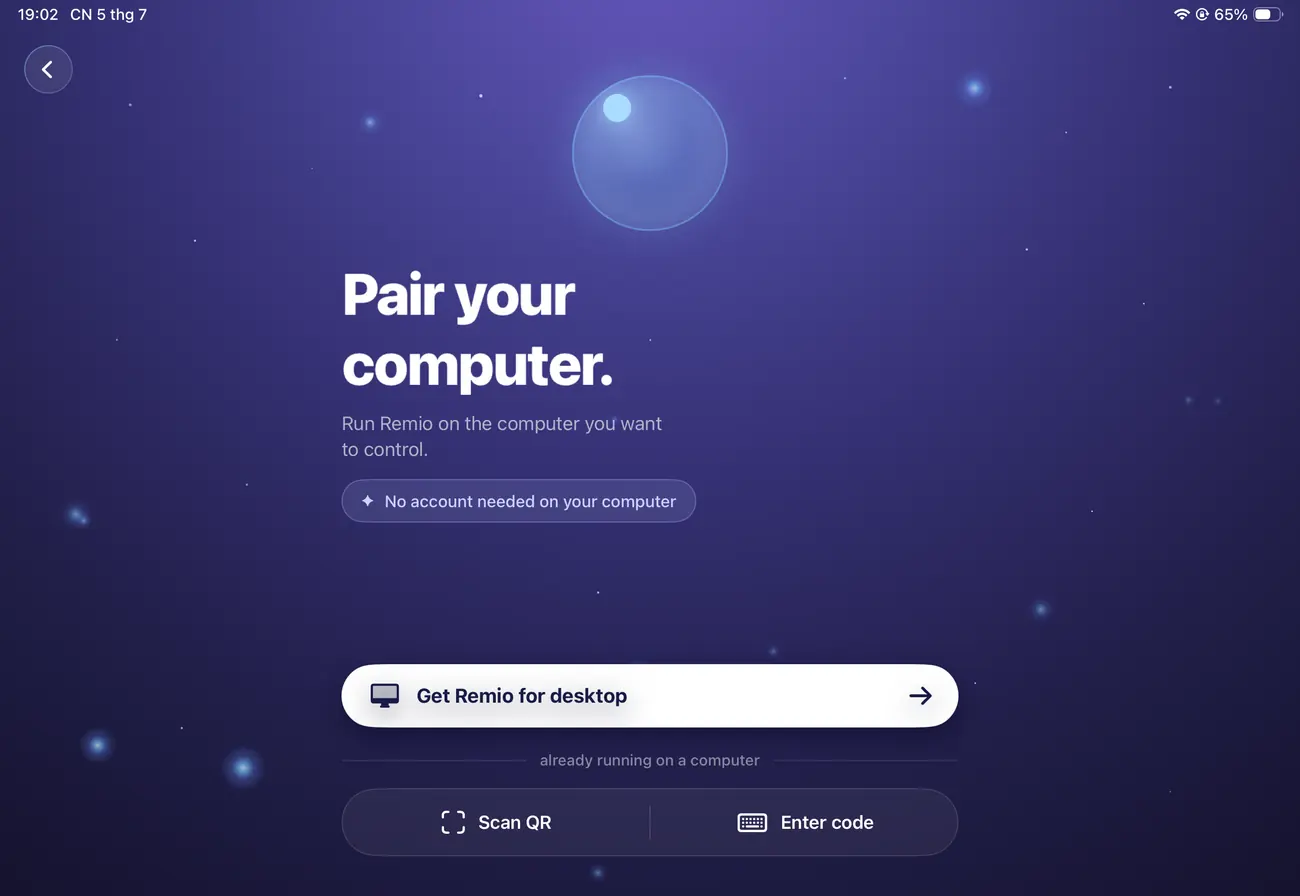

The colour signal stays pixel-perfect from your Mac's framebuffer all the way to the panel in your hands.
Native Retina signal
Your monitor signal, captured straight from the Mac with no tone mapping at the source.
hardware encode
Compressed by the Mac’s media engine — hardware accelerated, frame after frame.
low double-digit ms, same region
Sent directly through Remio over an end-to-end encrypted connection, with no cloud round-trip.
A17 or M-series
Reconstructed pixel-by-pixel on your iPad or Mac, with near-zero CPU draw.
Pro Display XDR
Rendered edge to edge on iPad mini-LED and any panel you plug in.
Remio streams whatever runs on your Mac. None of these require a plugin or a proxy workflow.
Photoshop, Illustrator, Affinity Designer, and Figma on your Mac; Apple Pencil Pro on the iPad. Soft-proofs and swatch panels render faithfully on the iPad’s wide-gamut panel, with true 4:4:4 color for pixel-perfect swatches now live from NVIDIA PCs to Mac (more pairs on the way).
DaVinci Resolve colour page, Final Cut Pro timeline, and Premiere Pro at 120 fps scrub. ProRes 422 HQ media plays back at full resolution on your Mac. No proxy generation step, no waiting on a transcode.
Logic Pro, Ableton Live, and Pro Tools with the full plugin chain on your Mac. Audio rides a separate low-latency lane rather than being bundled into the video frame, so the buffer at the desk is the buffer on the iPad.
Blender, Cinema 4D, After Effects, Maya, and Houdini run on your workstation's graphics power. Viewport navigation, material tweaks, and render monitoring stream back at full resolution — the tower stays under the desk.
Every Apple Pencil Pro stroke arrives at your Mac as native desktop pointer input. Photoshop brushes, Illustrator strokes, and Procreate paintings track the tip precisely, point for point.
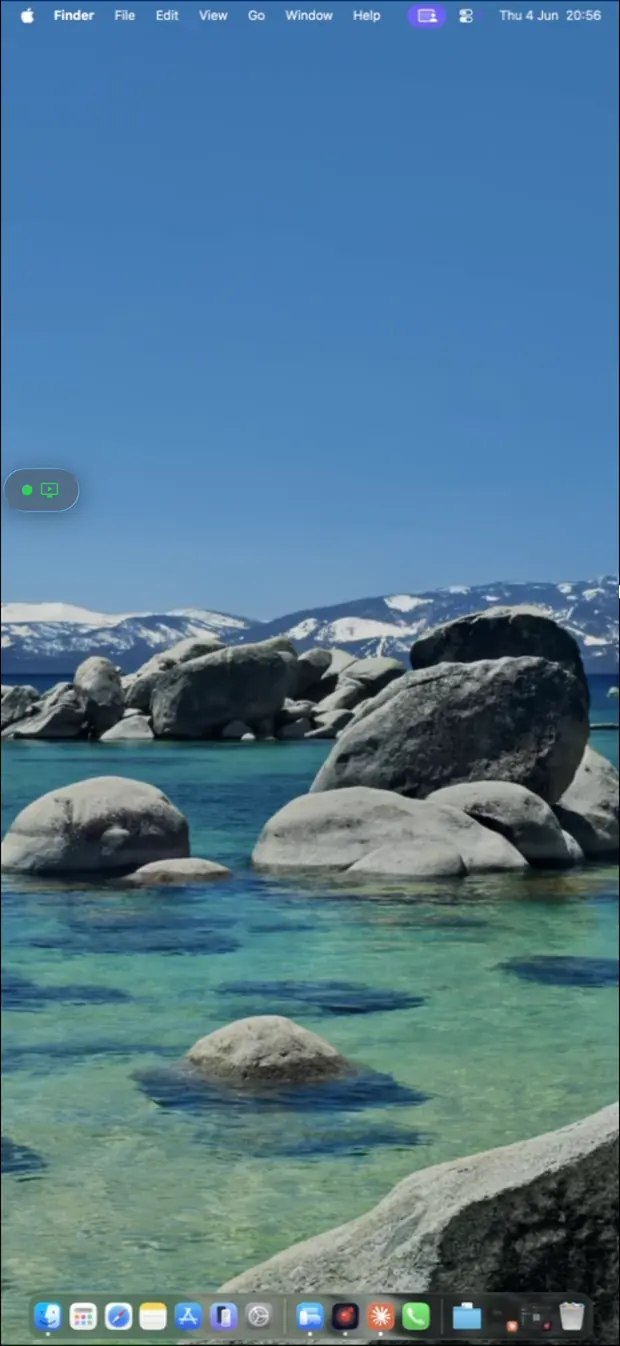
Honest milestones, not shipping features yet — here's what's next for colour-critical work.
The iPad and Mac client will read your Mac's active ICC profile at session start and apply the matching system profile on the client side — calibrated soft-proofing across the link, not only on the Mac.
A Wacom Intuos Pro or Cintiq Pro connected to the iPad client will forward pointer strokes and the ExpressKeys rotary dial back to your Mac — useful when the iPad is a second-position tablet next to a laptop.
Save a colour profile per monitor — your reference display and your working canvas — and switch between them from the client with one tap, each remembering its own calibration.

Install Remio on your studio Mac and on the iPad you carry. Pair once with a six-digit code — your full colour pipeline, in your hands.
Free foreverNo accountPixel-faithful colour