Music production

Tour bus to home studio in one tap. Your studio Mac, on the road.

The full plugin chain, real Logic, Ableton and Pro Tools — with 48 kHz low-latency audio and MIDI passthrough. Your Waves, UAD and Slate licences stay on the studio Mac; the iPad just shows the session.

48 kHz
native rate · no resample
~20 ms
round-trip audio · LAN
MIDI
USB & Bluetooth · MPE
0
licences to move
Audio routing

An audio path built for music, not for Zoom.

Office remote tools treat audio as an afterthought — buffer it, resample it, downmix it, sync it loosely to video. That's fine for a call where 200 ms is invisible; it fails the moment you press play on a session timed to the millisecond. Remio's audio path was built alongside the video stream, sharing the same hardware clock and the same low-latency routing — close enough to the studio monitors that long-form mix work is possible from a kitchen table.

You hear the post-interface monitor bus — exactly what the studio monitors hear.

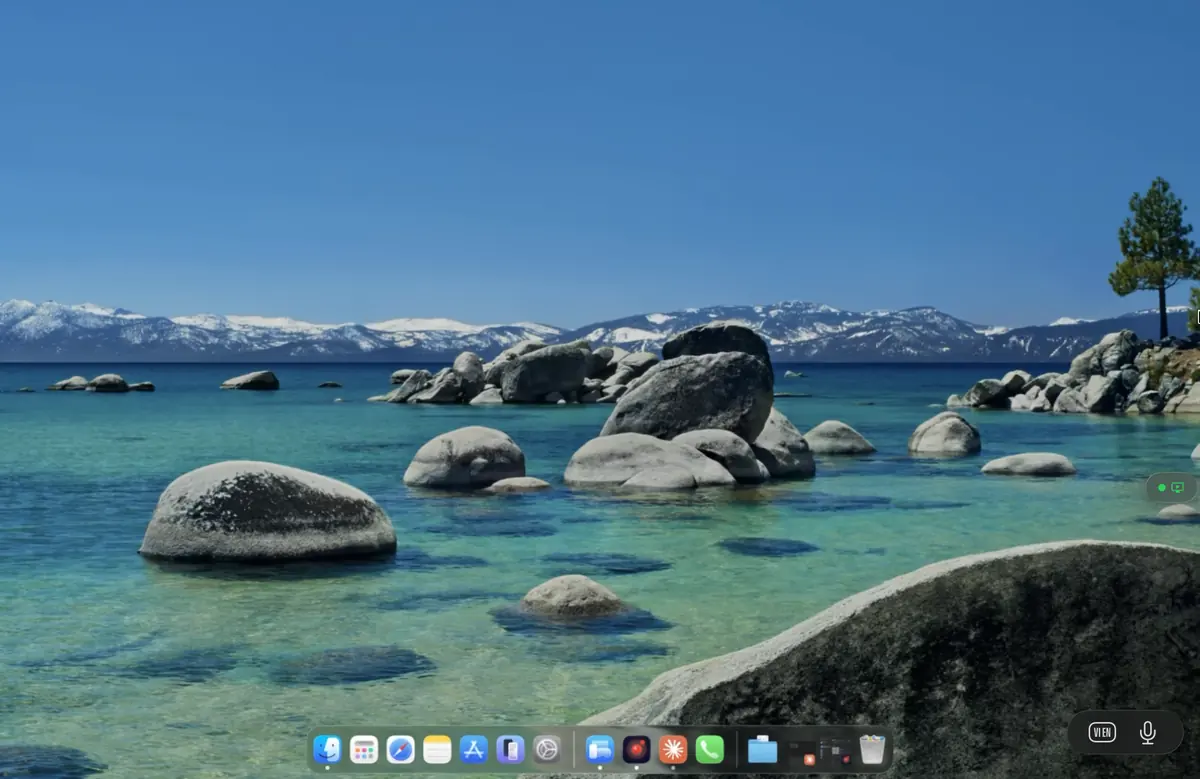
A DAW session streamed live to a Mac through Remio

Most remote tools forget audio is real-time, too.

The four ways office remote-desktop tools break a mix — and how Remio's path avoids each one.

Latency that breaks the groove

RDP and Chrome Remote Desktop quote audio latency in the hundreds of milliseconds — the bass lands a beat late, the snare floats off the grid. Remio's audio path is sub-25 ms round-trip on LAN, close enough to direct monitoring to hear whether a kick sits on the downbeat.

Drift that ruins a long mix

Software clocks drift from the host's hardware clock — over a 3-hour mix, automation looks wrong and mute points land in the wrong bar. Remio shares the hardware clock between video and audio, so drift over a session is sub-frame.

Resampling that softens the top end

Office tools resample 48 kHz down to whatever the OS wants — cymbals lose air, reverb tails go dull. Remio passes 48 kHz straight through, then lets the client's DAC do the analog conversion. The monitor mix sounds like the studio monitors do.

MIDI that gets dropped

Most remote protocols treat MIDI as a legacy detail — missed notes, stuck sustains, lost CC sweeps. Remio's input channel handles MIDI as a first-class event stream: note-on, velocity, CC, pitchbend and aftertouch all arrive in order.

An iPad running a Remio session as a DAW control surface
MIDI in / out

The controller on your studio desk, now on the bus.

MIDI controllers are the muscle memory of production. Remio forwards MIDI bidirectionally, so the same Push, Keystep or LPK you reach for in the studio works from a hotel room. USB controllers plug into the iPad or laptop and appear as virtual ports to the host DAW. On iPad, Bluetooth MIDI pairs through Core MIDI and the host receives note-on, velocity, CC, pitchbend and aftertouch. MPE controllers — Seaboard, LinnStrument — work end to end.

MIDI out too — drive a hardware synth on the client from a project on the host.

Plugin chain

Your Waves, UAD and Slate licences do not travel.

A serious mixing studio has thousands of dollars of licences tied to specific machines, dongles or cloud accounts. Remio sidesteps the problem: the licences stay on the studio Mac; the iPad is just a screen.

iLok, USB key, cloud auth

Slate, Waves, Antares and UAD all use iLok, USB keys, or machine-bound licences. Remio moves none of them. The dongle stays plugged into the studio Mac; the iPad opens the streamed DAW and every plugin authorises as normal. Cloud auth (Waves Cloud, iLok Cloud) behaves normally too.

Hardware DSP plugins

UAD-2 Satellite, Apollo Quad, Antelope FPGA, SSL Native — DSP that runs on dedicated hardware executes on the gear attached to the studio Mac. The streamed DAW shows the plugin UIs and routes audio through the DSP exactly as a local session would. Latency through the DSP is unchanged; nothing about that path goes through Remio.

Record from the iPad mic

The iPad microphone is exposed to the host as a regular input — useful for scratch vocals, voice memos and producer talkback into the DAW. For broadcast-quality tracking, plug a real mic into the host interface; for ideas on the go, the iPad mic is workable.

Multichannel & Atmos preserved

5.1, 7.1 and Atmos beds stream as discrete channels — no downmix to stereo. Connect a multichannel interface to the client and Remio routes the channels appropriately. Atmos beds and objects pass through on macOS clients with the Apple spatial audio drivers installed.

Real workflows

Three sessions, three places, one studio.

Composited from real conversations with users. Names abstracted, software versions and hardware specs preserved.

Logic Pro mixing on iPad

A mix engineer runs Logic Pro on an M1 Mac Studio with a UAD Apollo x8p, a Quad Satellite and an iLok of ~60 licences. On the train she pairs her iPad Pro and keeps mixing — the mixer fills the iPad, plugins open in floating windows, and the Apollo's preamps and DSP reverbs behave normally.

Ableton set prep on tour

An electronic producer keeps his Ableton rig on a MacBook Pro 16" at home with a Push 3, a Komplete Kontrol S88 and a 4 TB library. On tour he opens Ableton through Remio on his iPad, edits the set's drum patterns with pad-style taps, then leaves the session to render at home overnight.

Pro Tools post from home

A dialogue mixer keeps Pro Tools Ultimate on a Mac Pro with HDX cards. From home she opens an iPad Pro 13", joins the session and runs the dialogue passes on her own time — the HDX hardware does the DSP, the client is just a screen.

Questions

Questions producers ask first

Direct answers, no marketing detour.

What's the audio latency?
Round-trip audio on a LAN is about 15–25 ms (host interface + Remio + client output). Fine for mixing, arrangement, vocal comping and edit work — not for live monitoring while tracking. For tracking, the artist sits at the studio Mac and monitors through the host interface directly. Mix and arrangement work over Remio is comfortable for hours.
Does MIDI work from a remote keyboard?
Yes. USB MIDI plugged into the client (iPad USB-C or laptop USB-A) forwards to the host DAW. Bluetooth MIDI works on iPad — BLE devices pair with iPad Core MIDI and the host receives note-on, velocity, CC, pitchbend and aftertouch. MPE controllers (Seaboard, LinnStrument) work end to end.
Will my plugins (UAD, Waves, Slate) keep working?
Yes. Every plugin installed on the studio Mac continues to work — Remio doesn't touch the plugin chain. UAD with Apollo or Satellite, Waves licences (USB or cloud), Slate iLok, NI Komplete — all stay on the studio machine. The iPad doesn't need any of these installed.
Does sample rate matter?
Remio's audio path is 48 kHz native. 44.1 kHz sessions resample at the host the same as previewing a 44.1 session through 48 kHz monitoring. 88.2 / 96 / 192 kHz sessions play back at full quality on the host; the streamed monitor mix is resampled to 48 kHz.
Can I record from the iPad mic?
Yes — the iPad microphone is exposed to the host as a regular input device. Useful for scratch vocals, voice memos and producer talkback. For broadcast-quality vocal tracking, plug a real mic into the host's interface; for ideas on the go, the iPad mic is workable.
Will my UAD Apollo or other interface work?
The interface stays plugged into the host studio Mac — that's where it does its work. UAD Apollo, RME Babyface, Apogee Duet, MOTU UltraLite all continue to drive the host's audio routing. The streamed monitor mix is post-interface (after the Unison preamps, after the DSP plugin chain) — you hear exactly what the studio monitors would be playing.
Remio app icon

Your studio Mac, wherever the inspiration is.

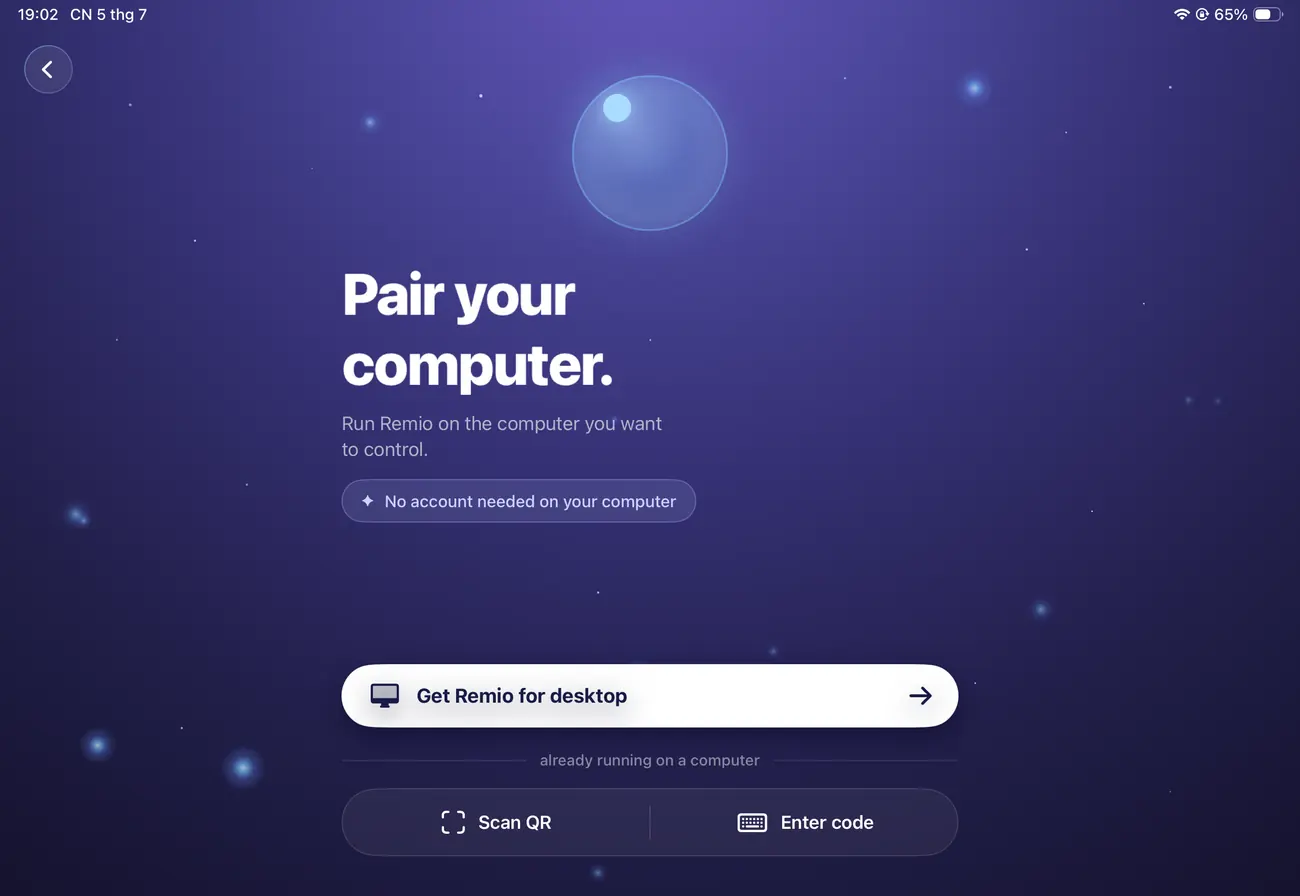
Install Remio Host on the studio Mac with the Apollo, the iLok and the plugin chain, the client on the iPad you take on tour, and pair once with a 4-digit code — free, no account, no card.

Free foreverNo accountPaired in 30 seconds