A separate workspace
Not a copy of the Mac screen. Its own resolution, its own workspace — windows you drag there stay there, exactly like a plugged-in monitor.
Remio turns any iPad into a true second display for your Mac — not a mirror, not an AirPlay clone. macOS treats it as a real monitor: drag windows across the bezel, keep them there, work in full Retina. Wireless, free, with Apple Pencil and touch. No Sidecar restrictions, no account.
When the iPad connects, the Mac host creates a virtual display — a separate workspace, not a copy of the Mac screen. macOS genuinely thinks the iPad is hardware plugged in. The cursor crosses the bezel exactly as it would with a USB-C monitor, Mission Control includes it, and Spaces work on it.
Retina-sharp at 2× HiDPI. Rotate the iPad and the display rotates with it.
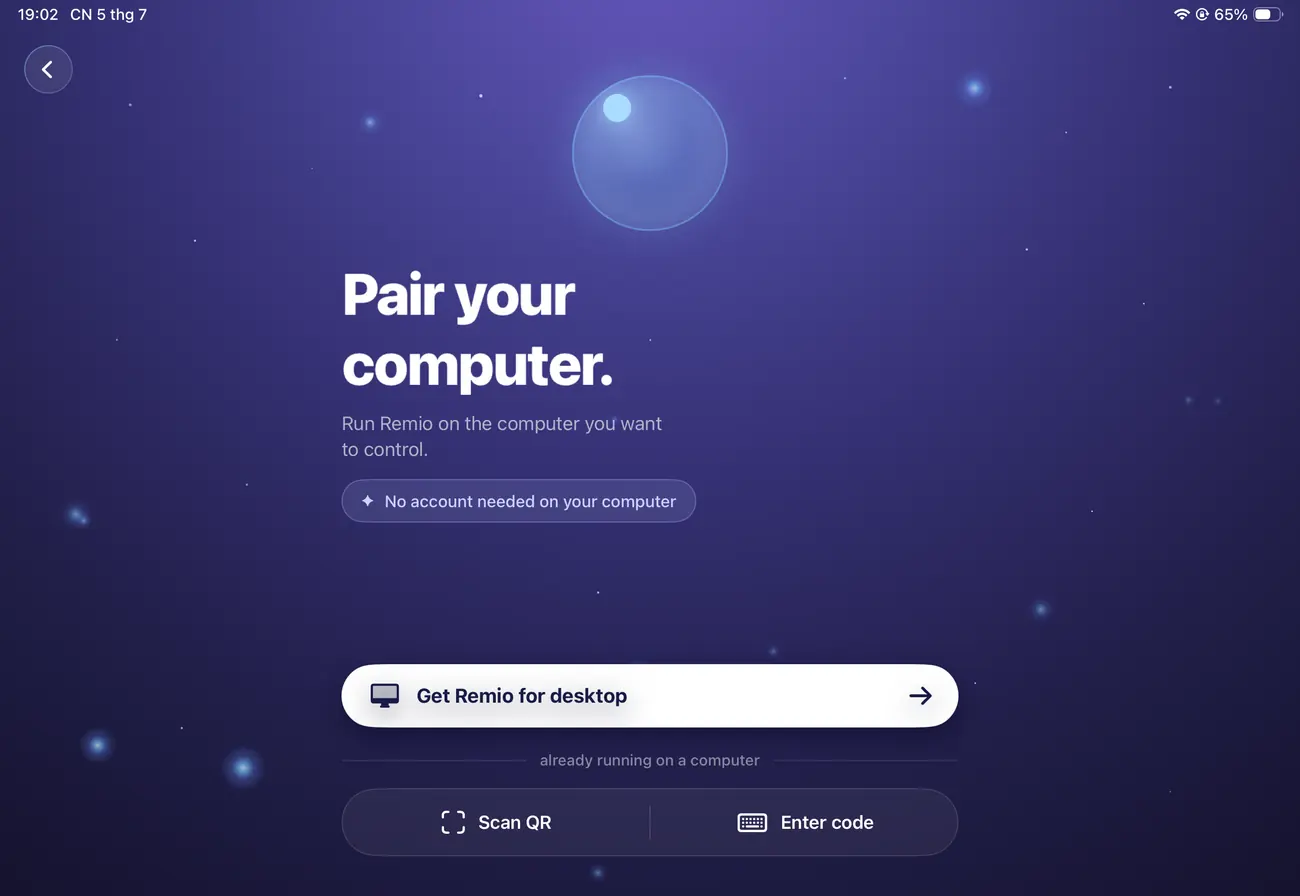

Not a copy of the Mac screen. Its own resolution, its own workspace — windows you drag there stay there, exactly like a plugged-in monitor.
The pointer moves onto the iPad and back exactly as it would with a USB-C display. Mission Control, Spaces, and dock arrangements all treat it as normal.
2× HiDPI at the iPad's native pixel density. An iPad Pro 11″ M4 shows the Mac's second screen at its exact native resolution — text crisp at any zoom.
Rotate the iPad from landscape to portrait and the virtual display rotates with it. Change the window size and it resizes live — no reconnect.
Sidecar is good — until its compatibility list or Apple ID requirement leaves you out. Remio has neither restriction, and its host Mac can even be somewhere else on the internet.
| Apple Sidecar | Remio | |
|---|---|---|
| Apple ID | Same Apple ID signed in on both devices | No iCloud, no Apple ID matching |
| Device support | Latest iPads and Macs from a short list | Any iPad on iPadOS 16+, any Mac on macOS 13+ |
| Host location | Same room, direct Wi-Fi only | Same Wi-Fi or elsewhere on the internet |
| Account | Apple account required | None — pair with a six-digit code |
| Price | Free (Apple) | Free — every feature |
Duet Display runs on a subscription. Luna Display needs a hardware dongle you plug into the Mac. Remio does it with no subscription, no dongle, no account, and no Apple ID — over your own Wi-Fi.
The Pencil forwards as a precision pointer to the Mac — point, tap, and draw, with no smoothing or acceleration. Photoshop, Final Cut, DaVinci Resolve, Affinity, Clip Studio, and Krita track the tip the same way they would any pointer device. Apps don't need to know anything about iPadOS for the Pencil to work.
Touch and Pencil are two separate input streams — scroll with a finger while you draw.
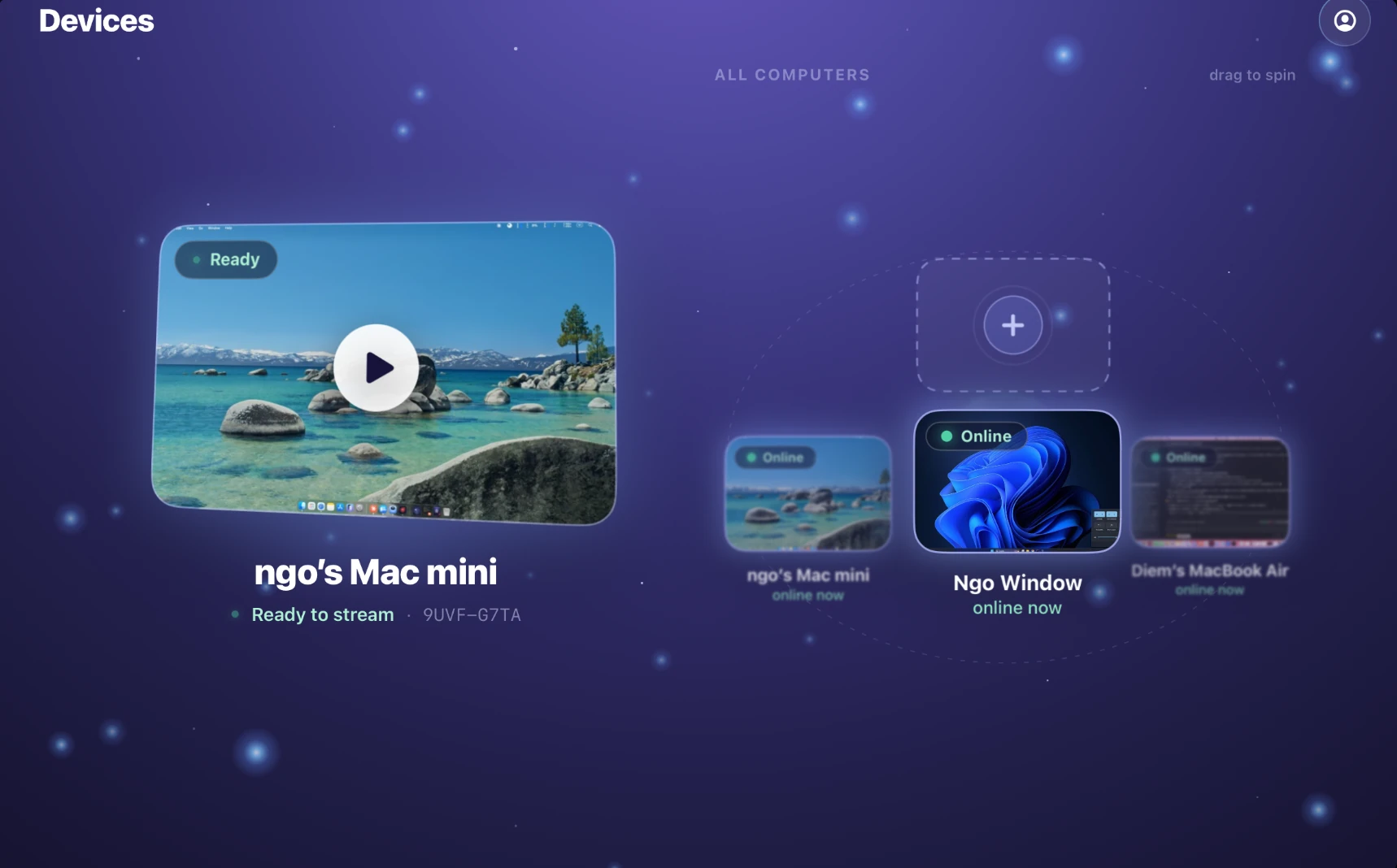
A direct Wi-Fi peer-to-peer connection between iPad and Mac. Every connection generates a brand-new end-to-end encryption key; once the iPad disconnects, the key is destroyed and can never be reused. No iCloud, no Apple ID matching, no account.
A second display earns its keep the moment you stop alt-tabbing. Park whatever you keep glancing at on the iPad.
Editor on the Mac, terminal or documentation on the iPad. Two panes, no window-shuffling.
Canvas on the iPad with the Pencil, tool palettes on the Mac. The pointer reaches the app with no smoothing or lag.
Timeline on the Mac, the preview or scopes on the iPad. Colour-accurate, full Retina.
Banish chat and email to the iPad. Notifications stay in the corner of your eye, off the main screen.
Want the iPad to control the whole Mac from another room or another city — not just extend the desktop? That's the full remote-desktop flow. See connecting an iPad to a Mac.

Install Remio on your Mac and iPad, pair with a six-digit code, and drag a window across the bezel. Free, no account, no Apple ID.