End-to-end encrypted
Video, audio, input, clipboard and files are encrypted end to end. Your screen never touches our servers - even the relay only sees ciphertext.
Remio is the free, native remote desktop for every screen you own - up to 6K at 120 fps, ~8 ms on your LAN, end-to-end encrypted, and never an account.
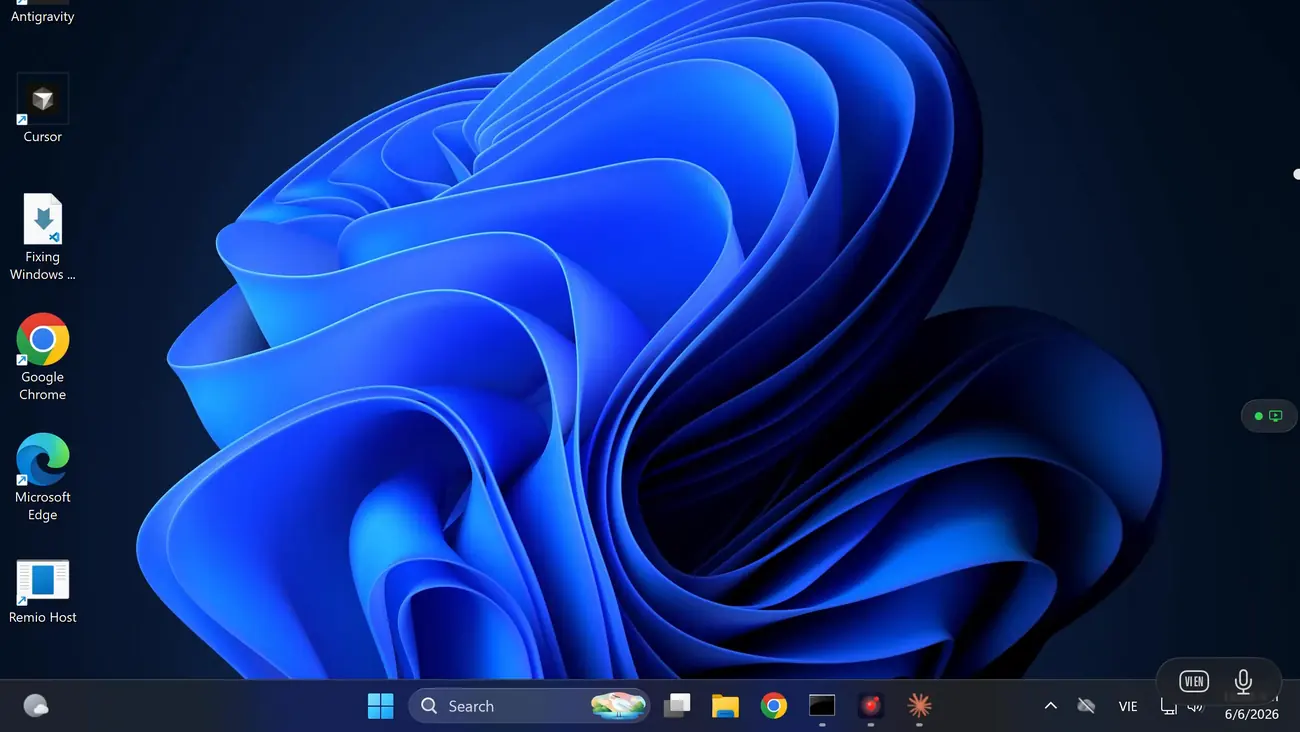

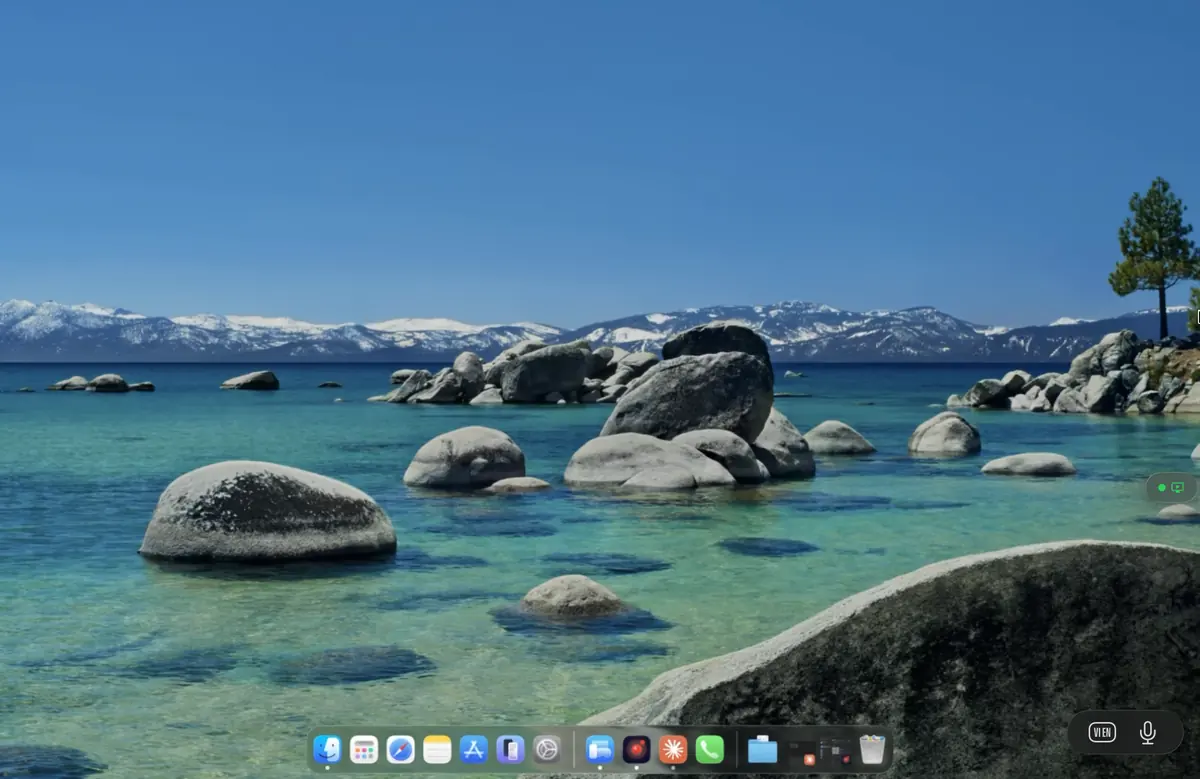

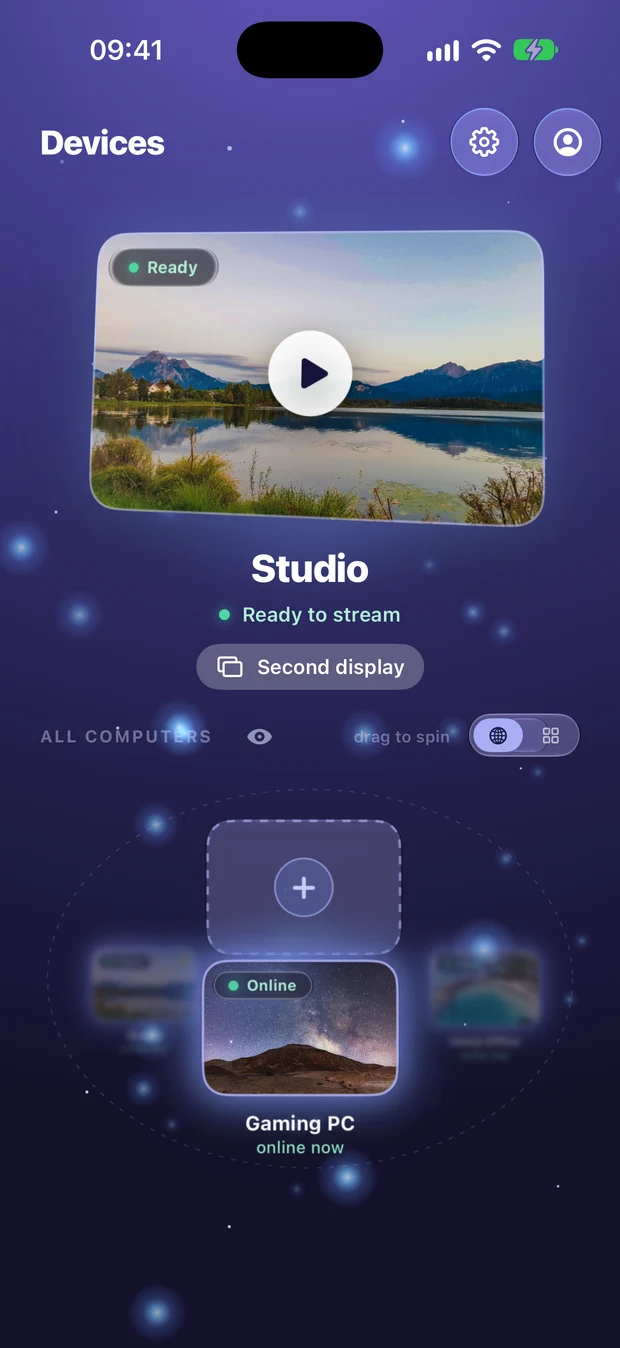

An iPad, an iPhone, an Android tablet, the old MacBook in a drawer, your Windows laptop, even the Apple TV - any device you pair becomes a real extended display for your Mac, Windows PC or Linux computer. Your computer's own screens stay on; you just drag windows across.

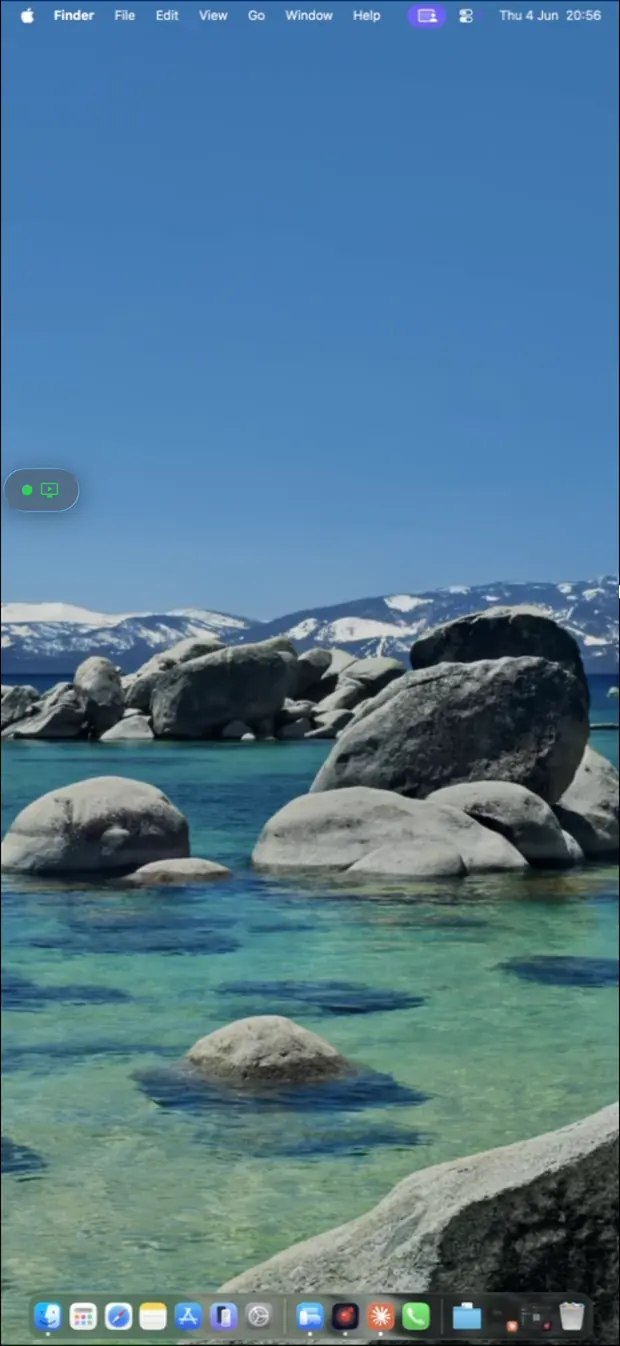
Not a web wrapper, never Electron. A native app on every platform - every gesture and every frame feels at home.
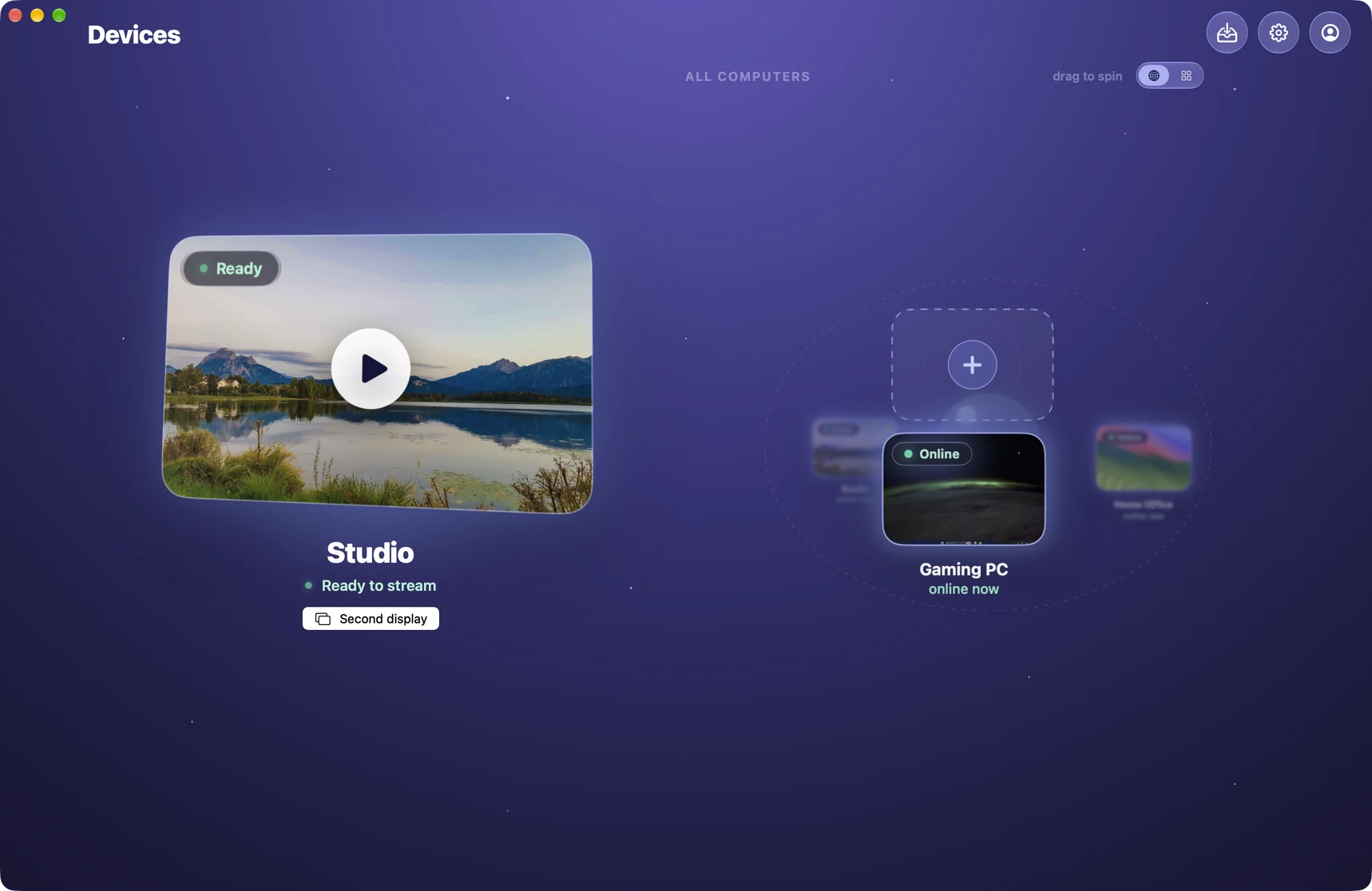
Up to 6K at a buttery 120 fps with hardware H.265, sized to your screen. Remio shows the newest frame the instant it lands - no buffering, no replaying stale frames - so it feels like sitting at your desk, even over 5G. On a device with an HDR screen, a Mac with Apple silicon or a Windows PC shows your desktop with the brightness and color it really has - and true 4:4:4 color keeps fine text pixel-exact, from a Mac, or from a Windows PC with NVIDIA or recent Intel graphics, to a Mac, a Windows PC, an iPhone or an iPad.
Close the MacBook lid. Keep working. No dummy HDMI dongle - ever.
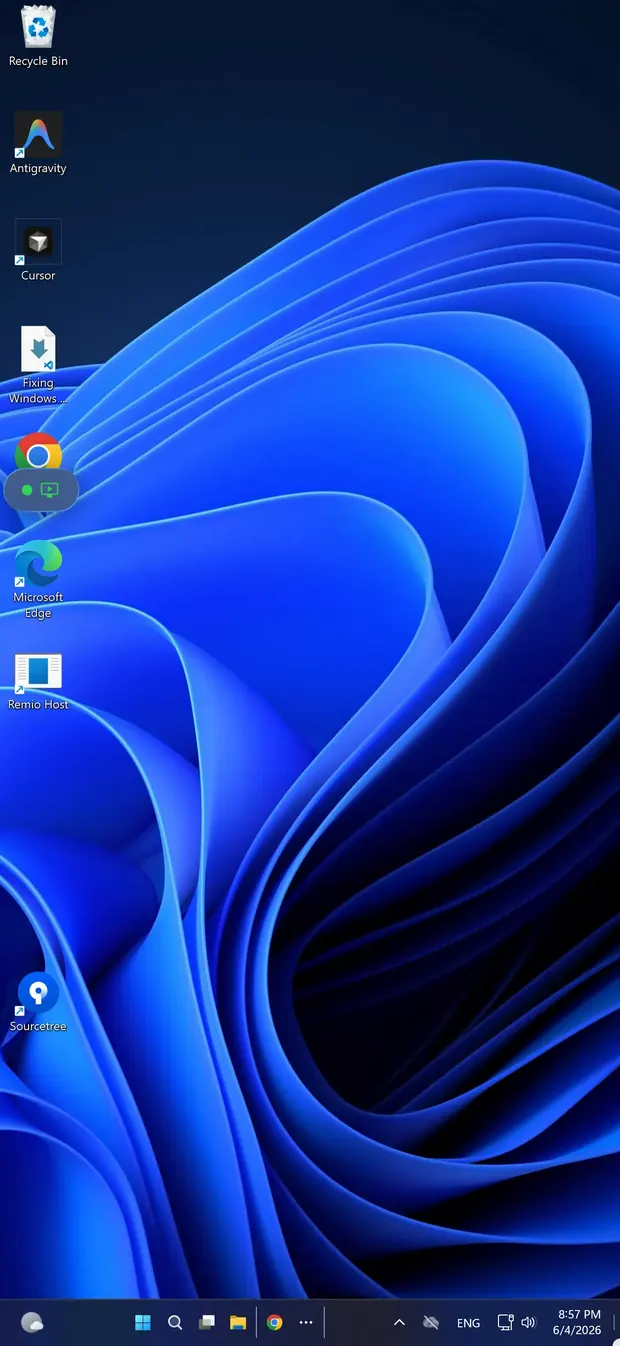
One app for every computer you own - the gaming PC, the work Mac, the Linux box in the closet. The same low latency on your LAN and the same end-to-end encryption, on NVIDIA, AMD or Intel graphics.
Touch, pencil, keyboard and gamepad input carry through 1:1.
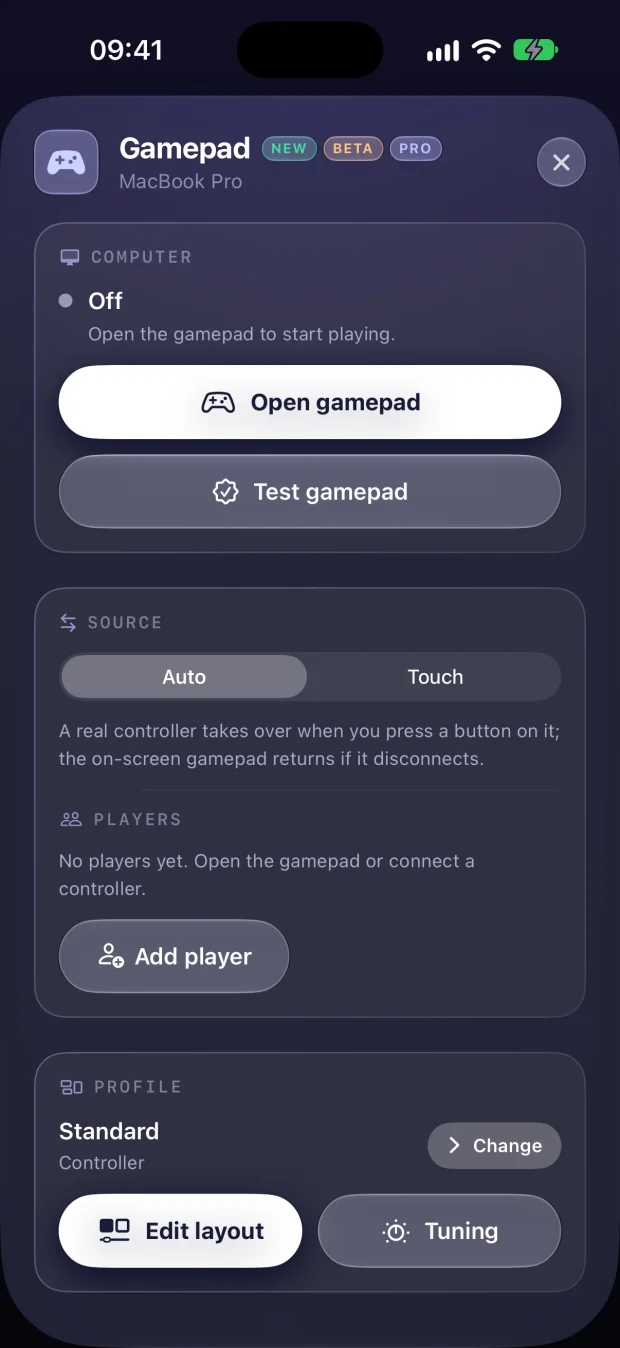
Touch controls or real controllers. A Windows or Linux PC sees up to four players as genuine Xbox 360 or DualShock 4 controllers, rumble included - and 120 fps keeps every frame of the action.
Build a layout per game; Remio switches profiles the moment the game comes to the front. Remio for gaming →
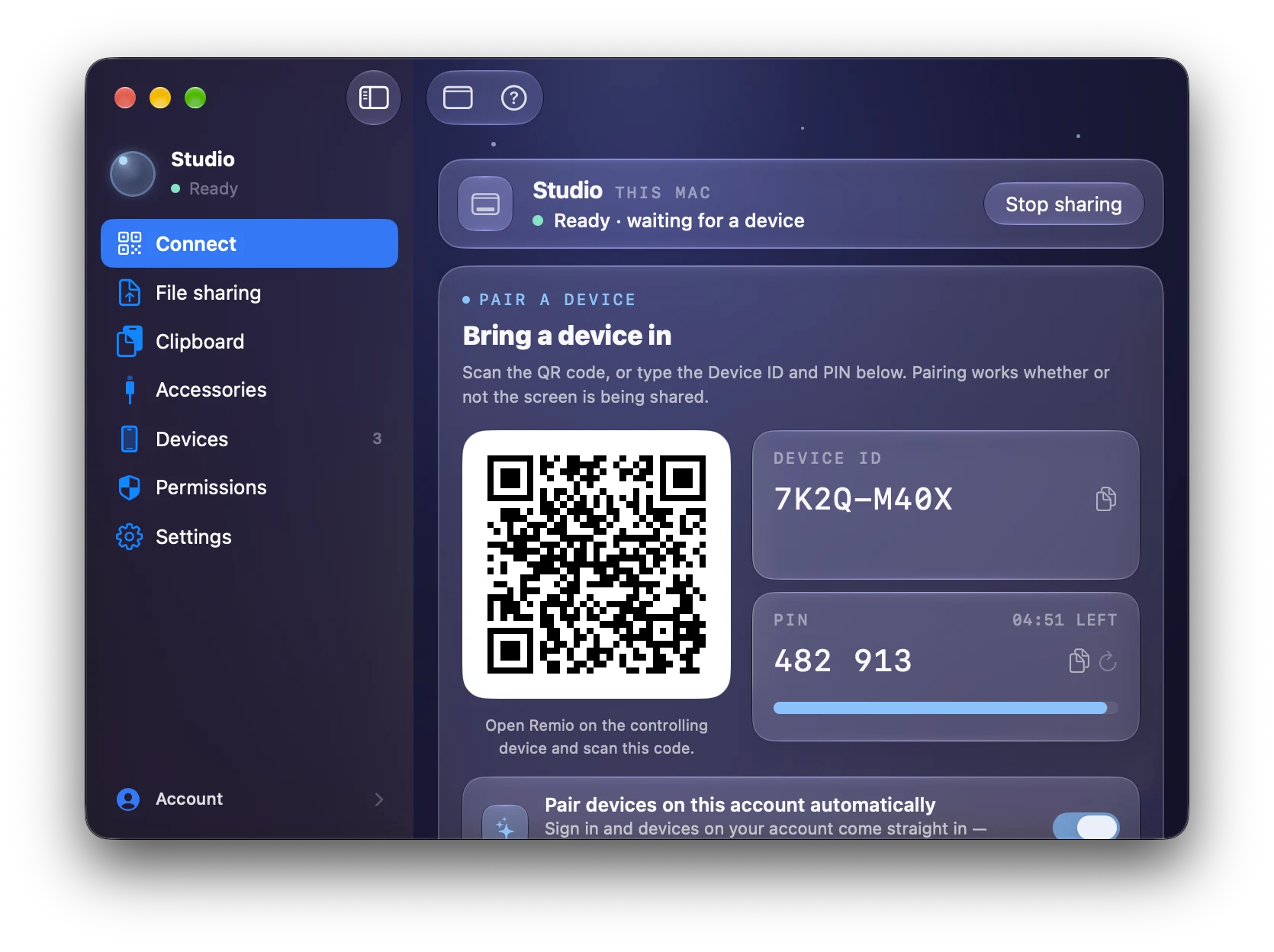
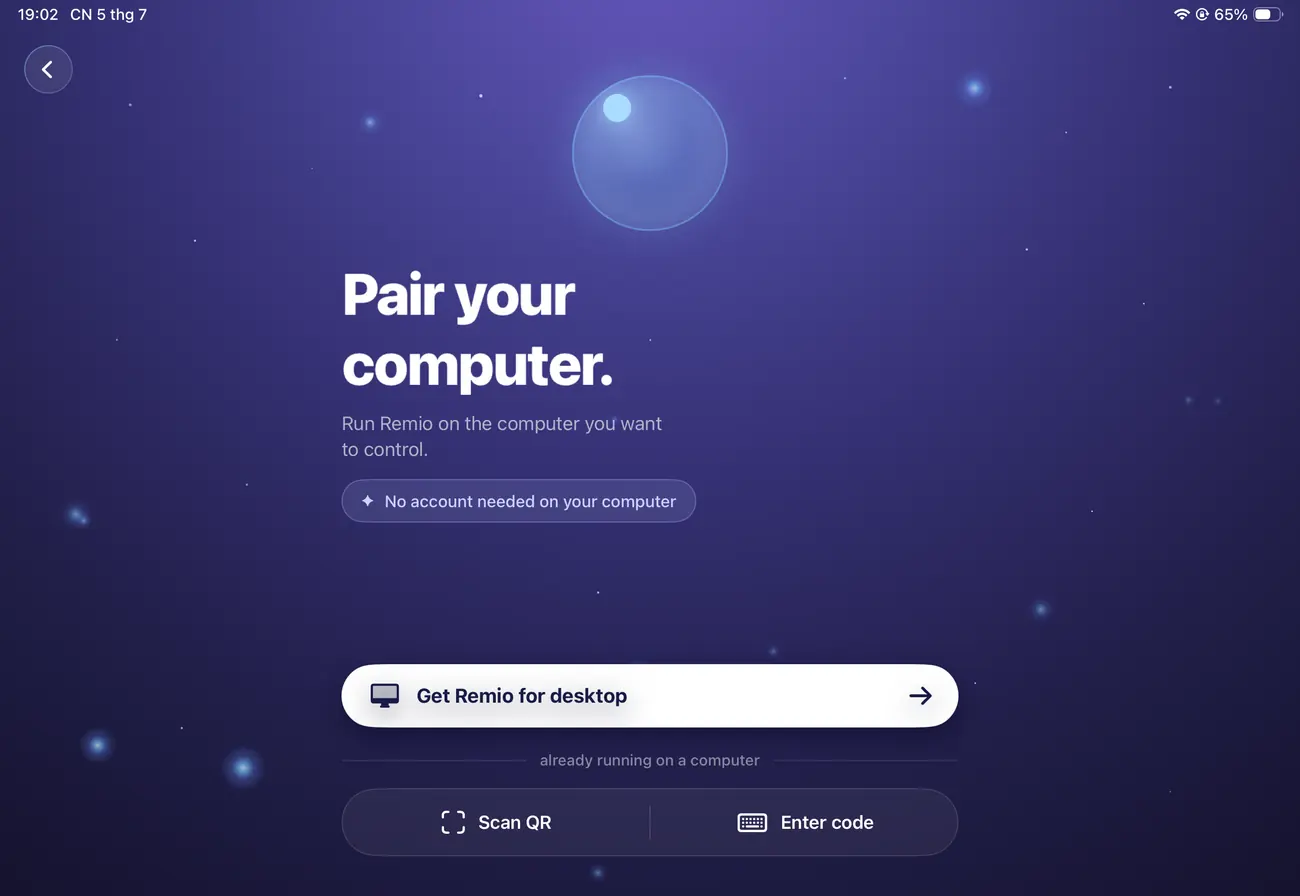
Scan a QR code or type a Device ID and a PIN that renews itself every five minutes. No accounts, no router settings, no IT department - your devices talk directly to each other.
Remio Host lives quietly on your Mac, PC, Linux box, Raspberry Pi or FreeBSD machine. It starts at login, restarts itself if anything ever goes wrong, streams at the lock screen or with the lid closed, and shows exactly who is connected - and from where.
PINs that change every five minutes, a 30-day activity log, and one-click access removal on every host.
Zero-knowledge architecture. Your stream, your keys, your devices - nothing on our side to breach.
Video, audio, input, clipboard and files are encrypted end to end. Your screen never touches our servers - even the relay only sees ciphertext.
No middleman in the path. An encrypted relay steps in only when your network blocks a direct route - and it can't read a thing.
The PIN renews every five minutes, and five wrong guesses replace it instantly. Every pairing lands in a 30-day activity log.
No email, no password, no profile to breach. Your screen, keystrokes and files are never logged, stored or inspected.
Other remote desktops squeeze your monitor onto your phone. Remio builds a display the exact shape of the device in your hand - portrait iPhone, iPad, ultrawide - and reshapes it live when you rotate or resize. On macOS, Windows and Linux.
Download Remio Host on the Mac, PC or Linux machine you want to reach. It runs quietly in the background and starts on its own.
Open Remio on your phone, tablet or laptop and scan the QR code - or type the Device ID and PIN. On Apple TV, type the Device ID and PIN. Done.
Your desktop, live in your hand - with touch, keyboard, mouse, Apple Pencil and gamepad control, from anywhere.
The same job, none of the baggage. Here's how Remio stacks up against the remote desktops you already know.
| Capability |  Remio Remio |
TeamViewer | AnyDesk | Parsec | Chrome Remote Desktop |
|---|---|---|---|---|---|
| Free for personal use | no time limit | Non-commercial onlyusage is monitored | Limited free plan | ||
| No account needed | Google account | ||||
| LAN input latency | ~8 ms | ~50 ms | ~40 ms | ~8 ms | ~60 ms |
| 6K at 120 fps | 60 fps | ||||
| Display shaped to your device | Mac, Windows & Linux | Windows & MacWarp or Teams; free fallback on Windows | |||
| Lid-closed Mac, no dummy plug | |||||
| Native iPhone & iPad app | |||||
| Apple TV app |
Competitor plans and features as published on each vendor's website, October 2026; latency is LAN input latency measured internally. Every head-to-head comparison →
The full power of your Mac on iPad - with keyboard, trackpad and Apple Pencil.
Set it upYour gaming rig on the couch, in bed or across town - up to 6K at 120 fps.
Play nowPhotoshop, Premiere, Blender and Logic on the machine that can actually run them.
See workflowsXcode, VS Code and your real terminal from any device, with the host's full GPU.
Code anywhereRun that one Windows-only app from your MacBook, in a window shaped to fit.
Learn howFix Mum's laptop from your phone - no accounts to explain, just a Device ID and PIN.
Read the guideYour desktop on the biggest screen in the house - or floating in your room.
Go bigUbuntu, Fedora, Arch, a Raspberry Pi or FreeBSD - approve once, stream forever.
Linux guideHave a different question? See all FAQs.
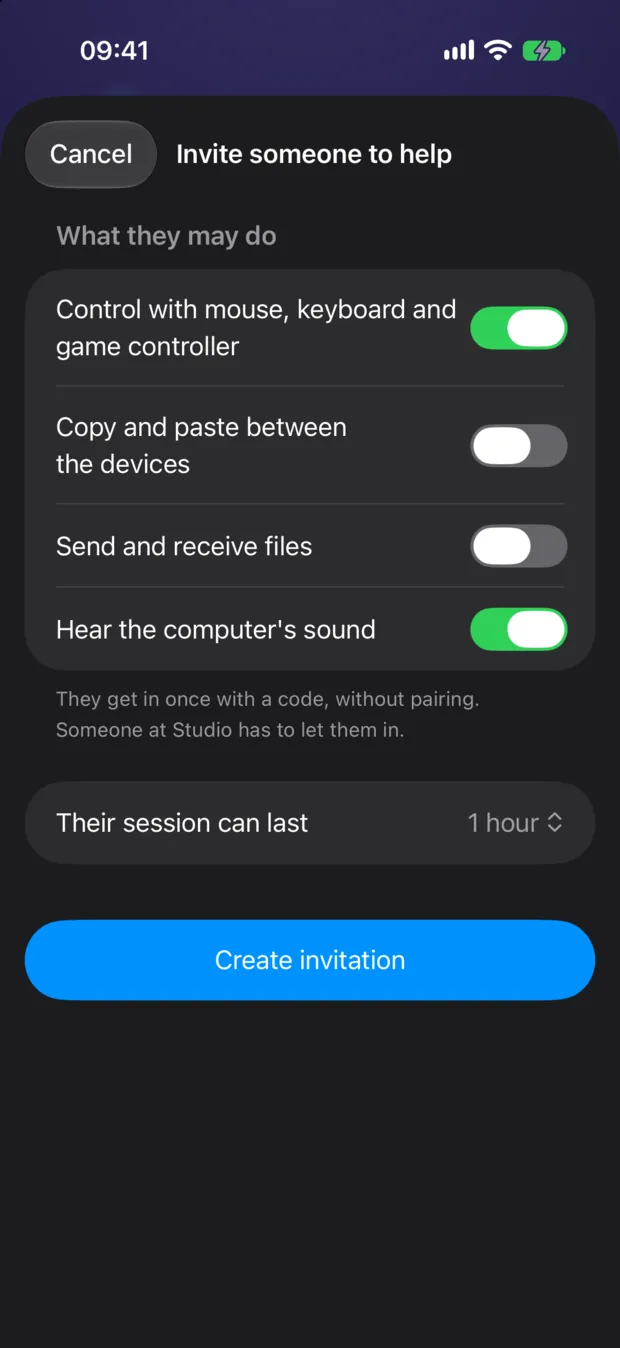
Invite a friend, client or colleague with a code or a link, join someone else’s computer the same way, and keep your session going when the network wobbles.
Pick what they can do and for how long, then send a code or a link. Nobody gets in until you say yes on the computer.
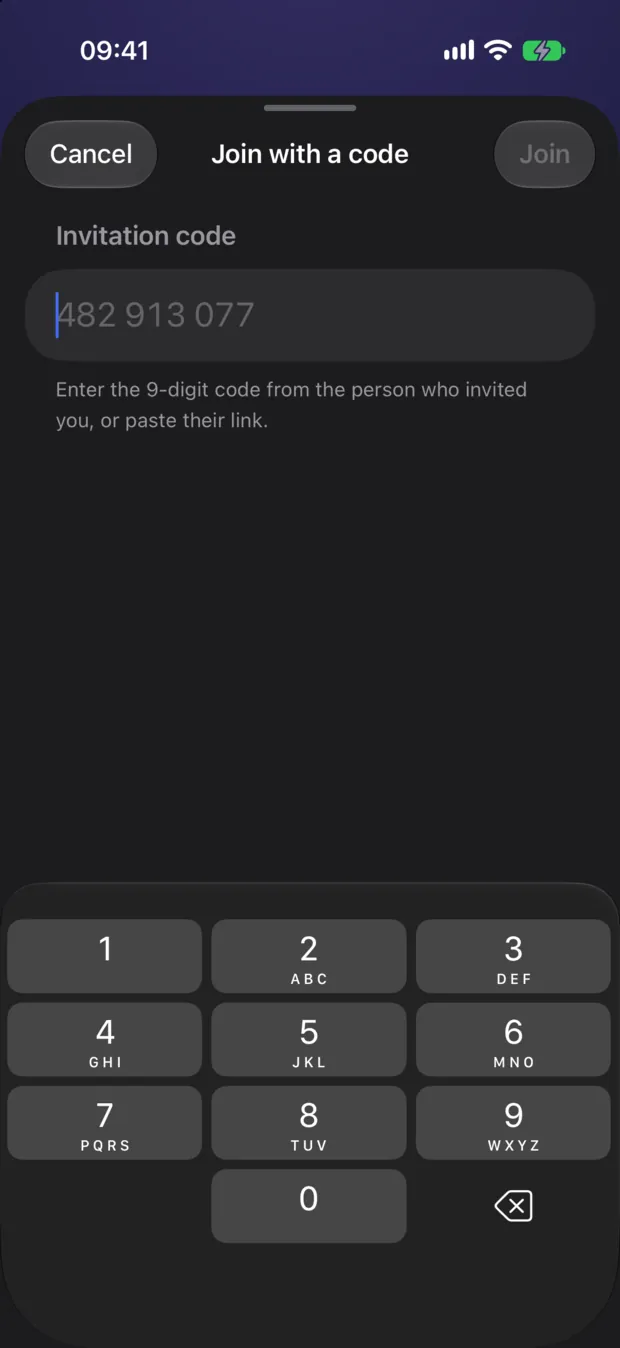
Got an invitation? Choose Join with a code on Pair, or open the link. You use the computer with just what they allowed - nothing is saved on your device.
On a Mac, Windows PC or Linux computer, choose Invite someone to help in Remio Host. You decide each visit: Allow control, View only or Decline.
If the connection drops or stops passing data, Remio waits and picks your session up again instead of ending it.
Connect a mouse to your iPhone and the session switches to Direct Touch, so every click lands under the pointer.
Some features need the latest Remio Host on your computer. Everything that shipped, platform by platform: read the changelog →
Everything that was free before Remio Pro stays free, forever. Pro adds the power features - try it free for 7 days.
The complete remote desktop, for everyone.
For people who live in their remote desktop.
One subscription for every device you sign in to. Compare plans in full →
One app for every screen you own
Download Remio on every platform and pair in 30 seconds - no account, no router setup.