Does Remio require Windows Pro like RDP?
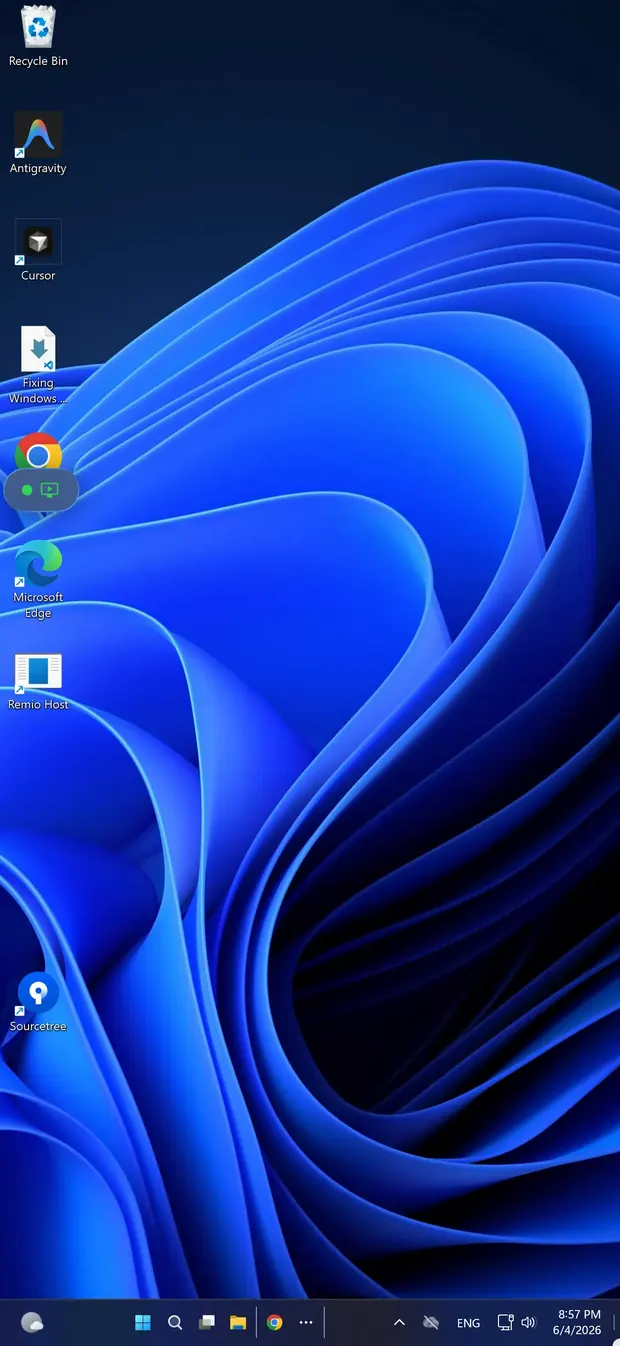
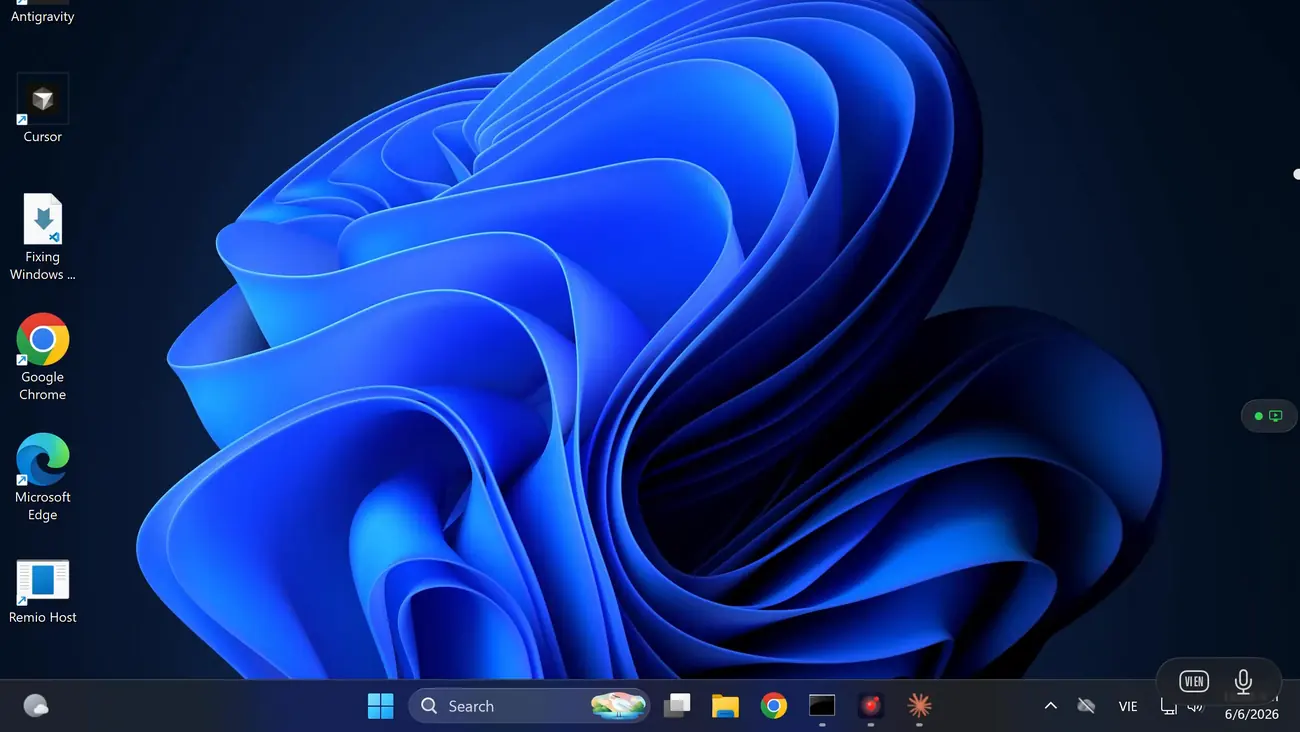
No. Remio runs on Windows 10/11 Home, Pro, or Enterprise without changes. It does not use the Windows RDP server at all — it brings its own native host, so the Home-edition restriction on incoming Remote Desktop connections never applies. No Pro upgrade, no registry patch, no group policy edit.
Will I need a Microsoft account?
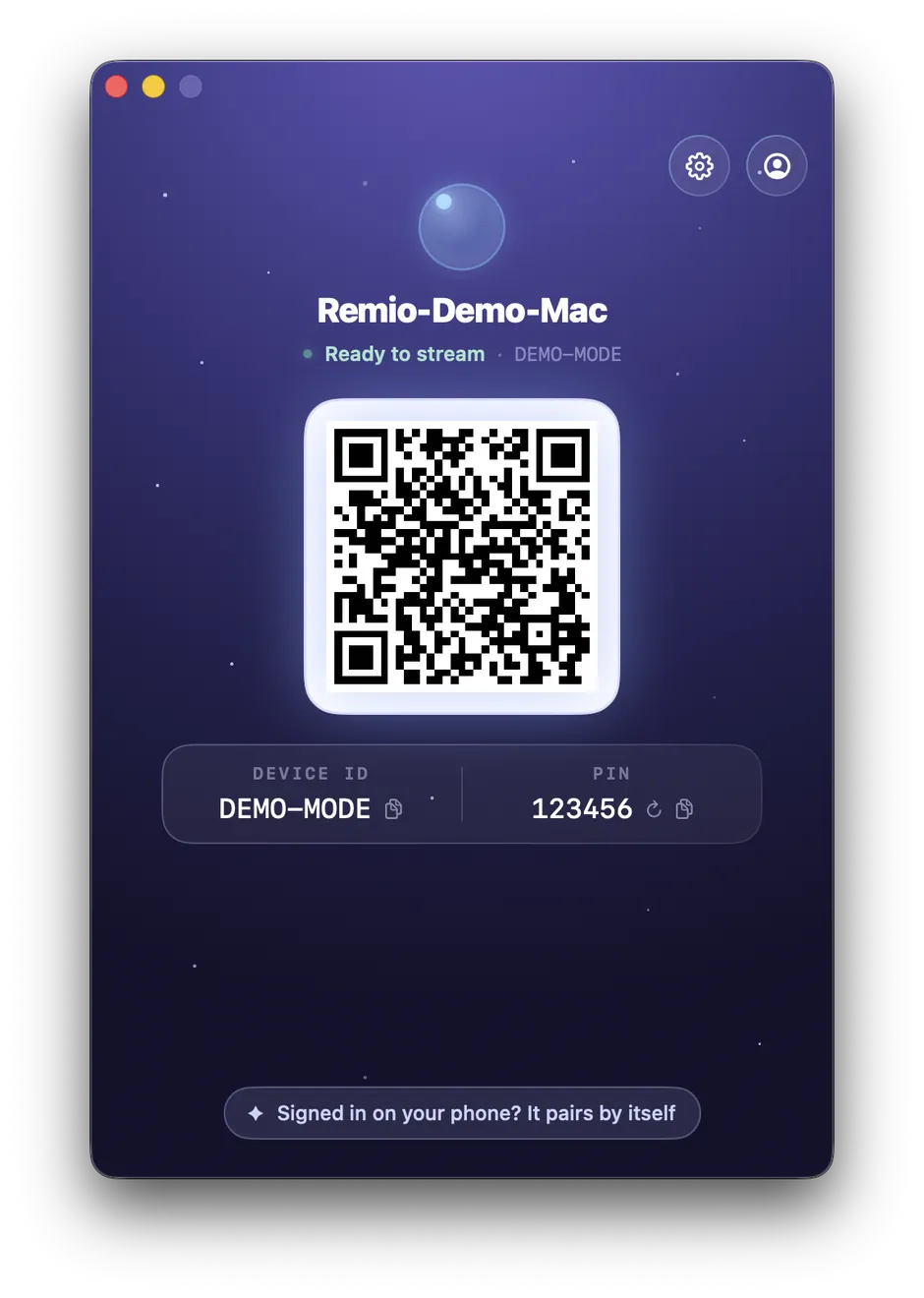
No. Pairing uses a local six-digit code you can rotate anytime. No Microsoft account, no Remio account, no email — type the code into the iPhone once and the two devices exchange keys and remember each other.
How well does the iPhone keyboard work on Windows?
Hardware keyboards forward natively. The on-screen iOS keyboard maps every key to a real Windows scancode, including arrows, the function row (F1–F12), modifiers (Ctrl, Alt, Shift, Win), and shortcuts like Ctrl+C, Alt+Tab, and Win+L. Long-press a key for accented or special characters.
Can I use a Bluetooth mouse with the iPhone client?
Yes. Bluetooth mice and trackpads connected to the iPhone forward as native Windows mouse input — including secondary click, scroll wheel, and gesture data on supported trackpads like the Magic Trackpad. Pair the accessory in the iPhone's own Settings → Bluetooth.
Does it work over cellular, or only Wi-Fi?
Both. On cellular, Remio adapts within a 300 Kbps to 15 Mbps bitrate envelope and falls back to an encrypted relay route if a direct path is not available. Most 4G and 5G networks sustain a clean 60 fps stream, and bitrate drops before frame rate does.