Remote desktop for streamers and broadcasters

Your capture rig, off the desk.

OBS scenes, Streamlabs alerts, NDI inputs — controlled from an iPad on set or a phone in the booth. Your capture card stays plugged in. The 'one more take' walk back to the desk is gone.

Why streamers carry two laptops

The capture rig stays. You move.

A serious creator's streaming workstation has a capture card with a camera plugged into it, an Elgato HD60 catching the console feed, an audio interface with the broadcast mic, NDI feeds from cameras across the studio, and OBS or Streamlabs running with thirty scenes. None of that travels — the cables are real, the GPU encode is real, and the LAN binding is real. What does travel is you. With Remio the workstation stays on its desk and the OBS control surface moves with you onto whatever screen is in your hand.

The pre-Remio walk

Why the talent kept walking back.

Switching scenes mid-shoot meant the host had to walk back to the workstation, type the hotkey, walk back to the set, and resume. Adjusting a mic gain meant the same trip. Inviting a guest into the call meant the same trip. The set-to-desk walk added up across an hour-long shoot and broke the energy of every take.

The Remio shoot

The iPad sits next to the talent.

The same OBS, the same scenes, the same audio mixer — on the iPad on the side table. Tap a scene, the broadcast cuts. Drag the mic gain, the level changes. Mute the chat overlay, the overlay disappears. The shoot continues without the walk.

The full control surface, on a touch screen

Scene switching from the iPad.

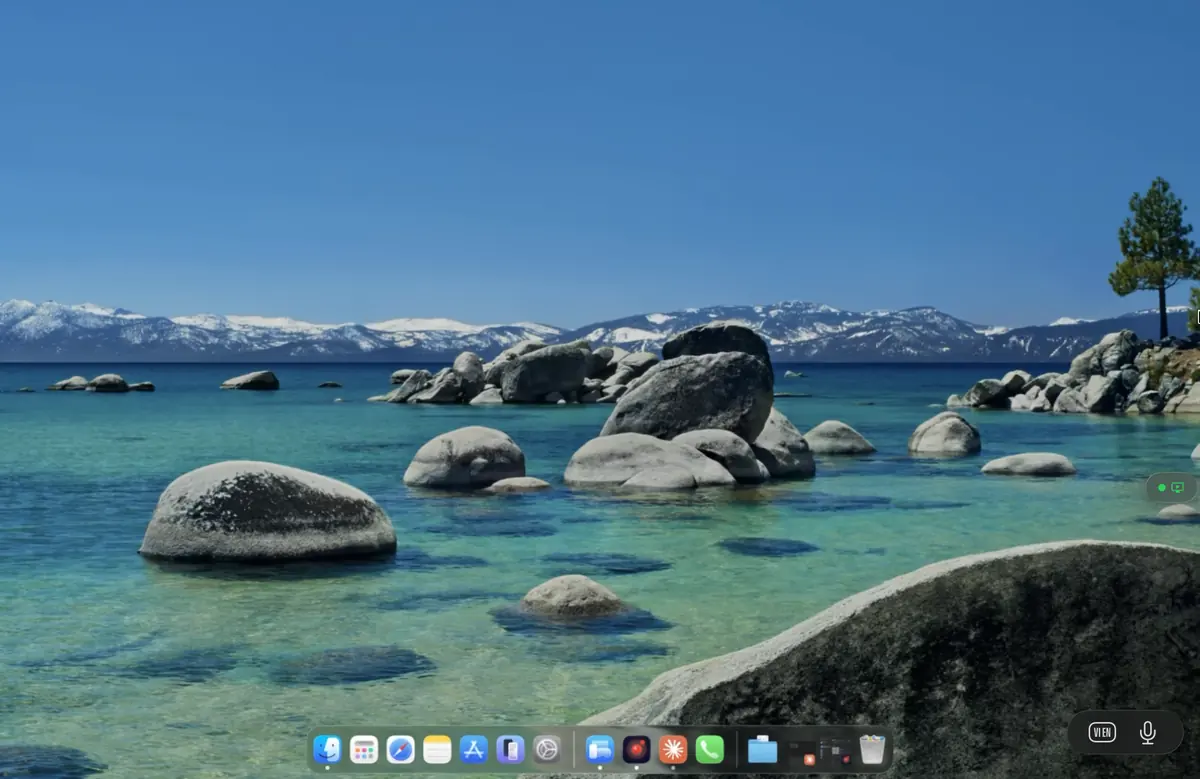
Remio mirrors the OBS window as the workstation renders it. The scene list, the source list, the audio mixer, the multiview preview — all of it scaled and touch-friendly on an iPad. You are not driving a "remote control" UI; you are touching the real OBS, the same one the workstation renders.

~8 ms
Preview latency, iPad on the same Wi-Fi as the rig
1:1
Touch-to-tap mapping, no remote-control abstraction

The real scene list, touch-sized

OBS's actual scene list, rendered at the workstation's pixel density and scaled to the iPad. Tap a scene; the broadcast cuts to it. Long-press for the scene context menu — duplicate, rename, transitions — all working as expected because you are touching the real menu.

The audio mixer with finger-precision faders

The OBS audio mixer faders track the iPad finger drag in real time. Pull the mic down for a cough; push it back up after. The visual VU meters update at the workstation's frame rate so you can see your level dynamics from across the room.

Source visibility toggles

Tap the eye icon next to a source to toggle its visibility — useful for the cam-cut moment when the host needs to disappear briefly from the broadcast without changing the underlying scene composition.

OBS Studio mode preview

Studio mode (preview / program split) renders to the iPad as it does to the workstation. Preview the next scene on the left, the live program on the right, tap "Transition" or use a Studio mode shortcut to cut.

True-time preview

8 ms preview means what you see is what is on the rig.

Most "remote OBS" wrappers add half a second of latency because they re-encode the multiview as a streaming video — fine for occasional check-ins, useless for live decision-making. Remio uses the same hardware H.265 path that powers the gaming experience: glass-to-glass around 8 ms on LAN, which is below the threshold a human can perceive. The iPad preview is what is on the workstation's monitor right now.

Broadcast vs preview latency

Two different timelines.

The broadcast pipeline (OBS to Twitch or YouTube) has multiple seconds of delay because of CDN, transcoding, and chat-anti-cheat throttling. That delay is independent of Remio. The Remio preview on the iPad shows what is happening on the workstation's display right now — so a scene switch on the iPad fires immediately on the rig, even though the audience sees the cut several seconds later.

The director's bay model

Like a broadcast switcher on glass.

Professional broadcast directors call shots from a glass-window control booth onto the studio floor with sub-frame latency to their multiview. Remio gives a one-person show the same model: the workstation is the technical bay, the iPad is the director's surface. Same low latency, same trust in what you see.

Audio control without the walk

Mic up, mic down, music swap — from the side table.

A live music-and-talk stream needs constant audio attention: bring up the music between segments, duck it under speech, swap the cue track, mute the chat alert that is talking over the host. All of these are happening on the workstation's OBS audio mixer and the workstation's Voicemeeter or Loopback routing — and all of them are reachable from the iPad in your hand without leaving the mic.

Quick mic mute

One tap on the iPad mutes the broadcast mic — useful when a cough starts. The visual VU silences immediately so you can see the mute is live before the cough hits.

Music duck and crossfade

The music source's audio fader is a touch-friendly slider on the iPad. Drag to duck, drag back to recover, both with the same precision as a mouse drag on the workstation's monitor.

Chat alert silence

Mute the chat-alert audio source when a sponsor read is starting, unmute after. From the iPad. No walking back. No talking over your own monetised segment.

Voicemeeter routing

The workstation's Voicemeeter or Loopback routing UI is on the iPad too. Re-route the discord guest from the broadcast mix to monitor-only, all without leaving the camera.

NDI compatibility

NDI alongside Remio — both can coexist.

Many studios use NDI to pass camera feeds between machines on the LAN. Remio does not replace NDI — it complements it. The NDI camera feeds keep going into the workstation's OBS as NDI sources; Remio streams the workstation's display to your iPad for control. The two protocols run on the same LAN without conflict — NDI uses its own multicast ports, Remio uses ephemeral UDP for WebRTC.

Roles

NDI is for feeds. Remio is for control.

NDI is engineered to move camera feeds (1080p60 with low latency, several streams in parallel) between Windows or Mac machines on a wired LAN. Remio is engineered to give you a control surface for a workstation from a touch device. Use NDI between the camera bay and OBS; use Remio between the OBS workstation and your iPad.

Network sharing

Same LAN, different UDP ports.

NDI uses well-known multicast and TCP ports. Remio's WebRTC uses ephemeral UDP. On a switch capable of handling NDI's multicast load, Remio's added traffic is small (3 to 10 Mbps per session) and is absorbed without contention. If you can run NDI on your network, you can run Remio alongside it.

Questions streamers ask first

Direct answers, no marketing detour.

Does Remio record the stream locally on the iPad?

No. Remio streams the workstation's display to the iPad for monitoring and control — it does not record the broadcast itself. OBS or Streamlabs on the workstation still handles the broadcast pipeline. The iPad sees only what the workstation's display shows.

Will I double-record or double-encode?

No. Remio's stream to the iPad is a separate pipeline from your broadcast encode. OBS still does the H.264 or AV1 broadcast encode; Remio uses its own hardware H.265 path. Both run in parallel on modern Apple, NVIDIA, and AMD silicon without contention.

Is the preview fast enough to call scene changes?

Yes. On a wired LAN the iPad preview is around 8 ms behind the workstation's monitor — well below human perception. The audience still sees the broadcast delay, but the iPad-to-rig path is immediate.

Does the webcam pass through Remio?

The webcam stays plugged into the streaming workstation. OBS sees it natively. Remio streams the workstation's display and forwards your input — the webcam, capture cards, USB microphones, and Stream Deck all stay on the workstation.

Is this a Stream Deck replacement?

Not quite. Stream Deck is a tactile control surface; Remio is the real OBS on glass. They complement each other — Stream Deck for muscle-memory hotkeys, Remio when you need to see what you are switching to (a new browser source, an alert template, the dock for a scene with no Stream Deck key). Many streamers run both.

Does it work over mobile data?

Yes. Remio adapts the bitrate to the link. On a strong LTE or 5G connection the experience is comparable to busy hotel Wi-Fi — usable for scene switching and audio cue control, frame rate drops first if bandwidth tightens. For critical broadcasts, tether to a known network.

Free during launch, no account, no card

The OBS surface, in your hand.

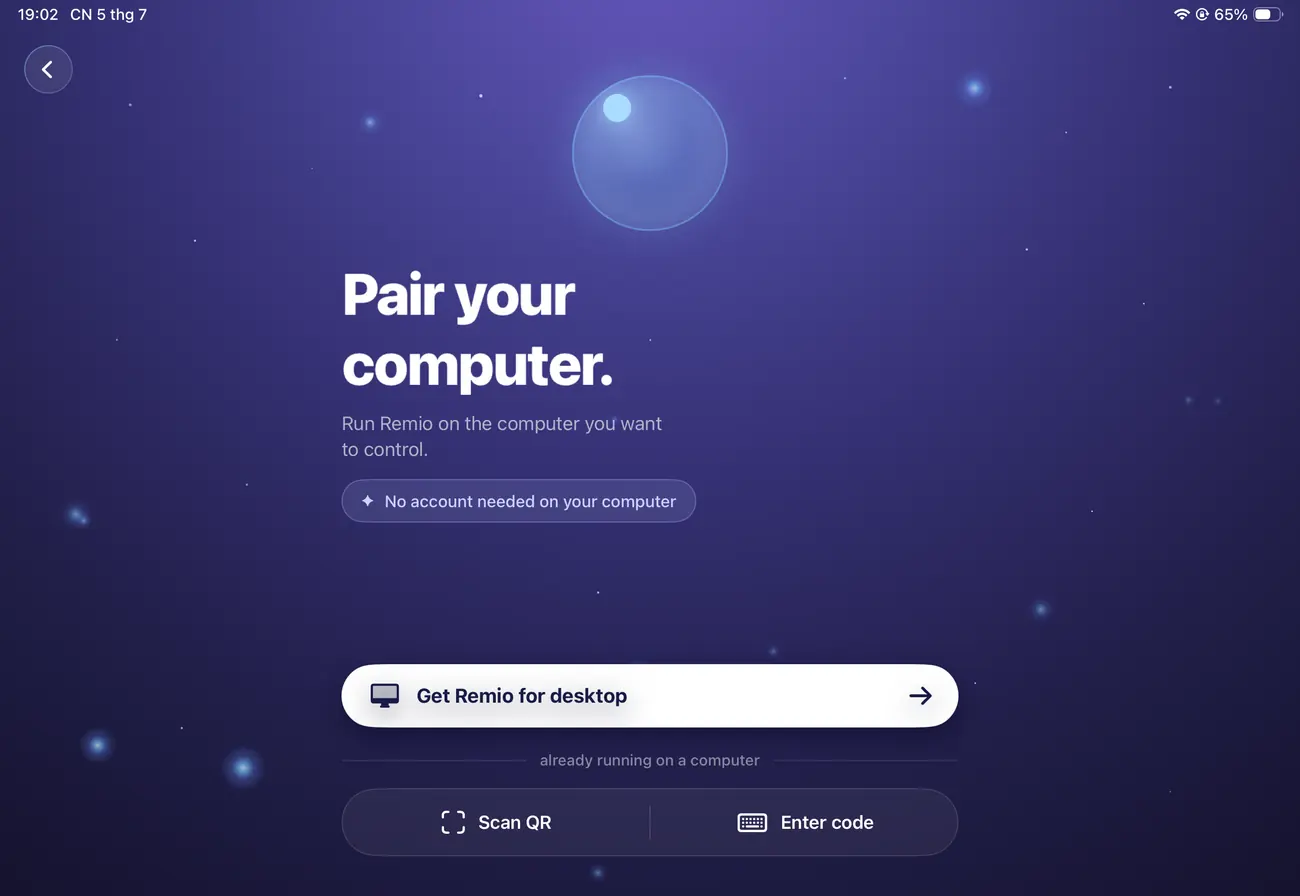
Install Remio Host on the streaming workstation that holds the capture cards, the GPU encoder, and the OBS install with thirty scenes. Install the client on the iPad you bring to set. Pair with a 6-digit PIN. The walk back to the desk between takes is finally gone.

macOS, iOS, iPadOS, Windows, and Android. Free forever.