Does it work if my PC runs Windows Home?
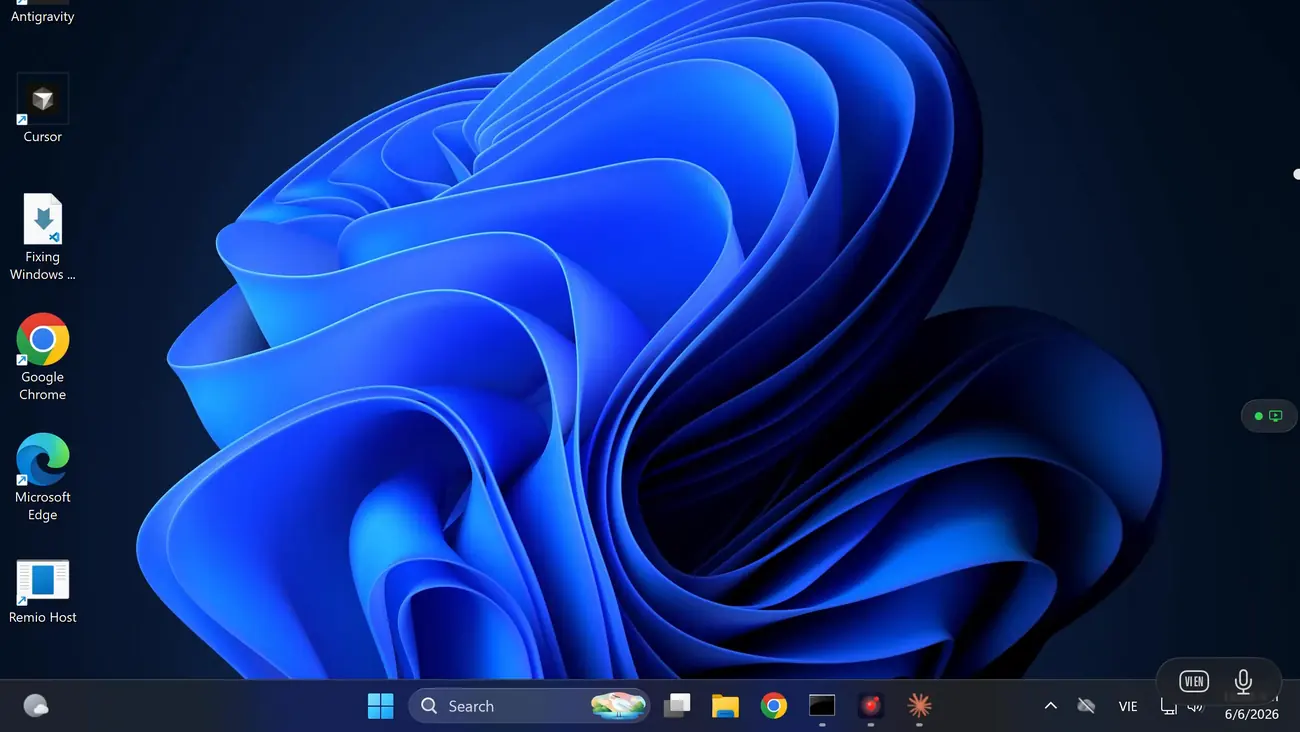
Yes. The restriction you have heard about belongs to Microsoft's RDP host, which is Pro-only — Windows Home cannot accept incoming Remote Desktop connections. Remio does not use RDP at all: it brings its own host, a native C++/WinRT app that runs on Windows 10 (build 19041+) and Windows 11, Home editions included. No Pro upgrade, no registry patch, no group policy edit.
Do I need a Microsoft account?
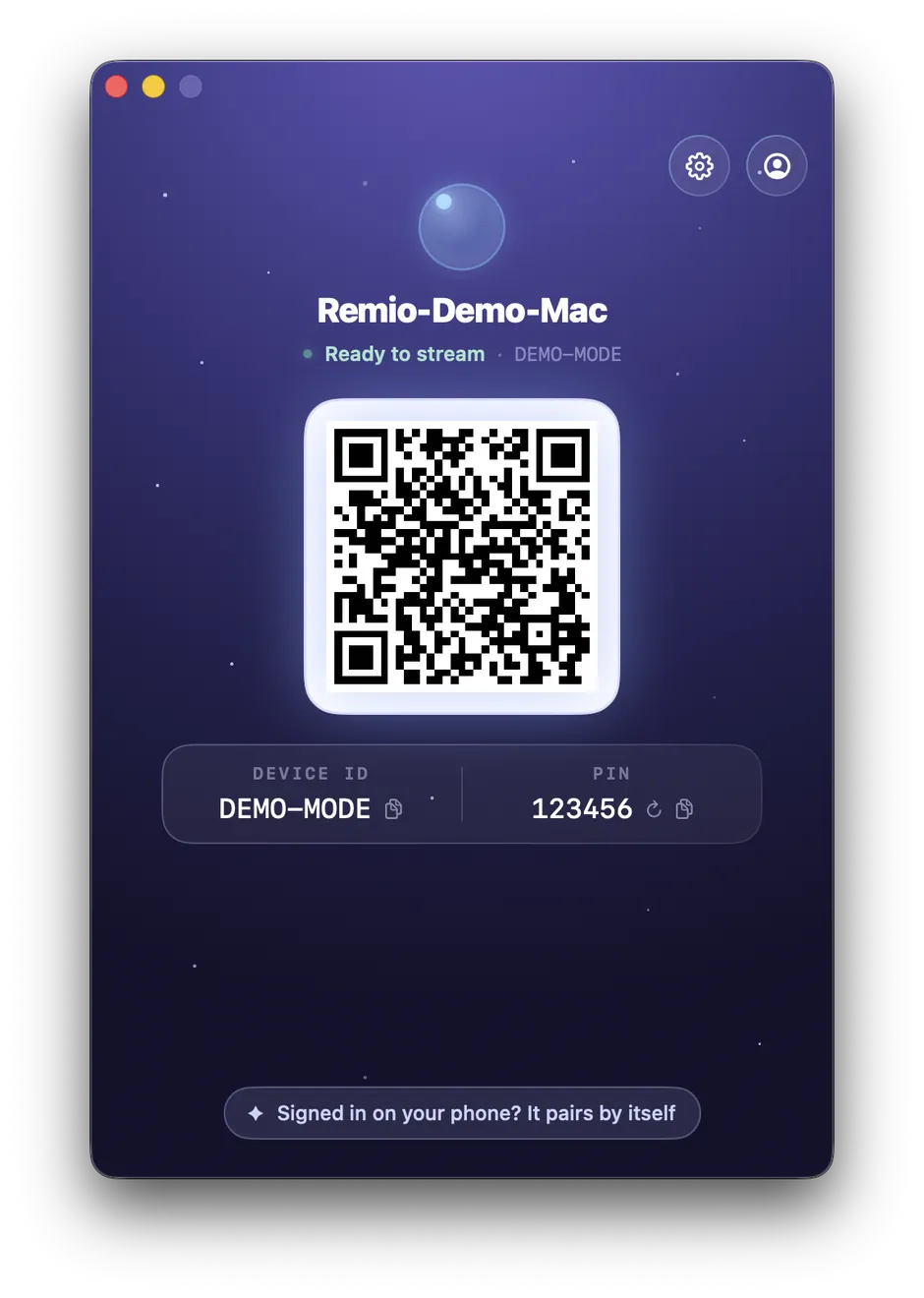
No. Remio requires no account of any kind — no Microsoft account, no Apple ID, and no Remio account either. Pairing is purely local: the Windows host shows a six-digit code, you type it into the Mac client, and you can rotate the code anytime from the host. No email, password, or profile is created at any point.
Can I game from the Mac?
Yes. The Windows host captures with DXGI and encodes on your GPU — NVENC, AMF, or Quick Sync — so games stream at full speed, 4K at 120 FPS when the hardware allows. Controllers work too: pair an Xbox or PlayStation controller to the Mac via Bluetooth and Remio maps its buttons straight to your games.
Do Mac keyboard shortcuts work on Windows?
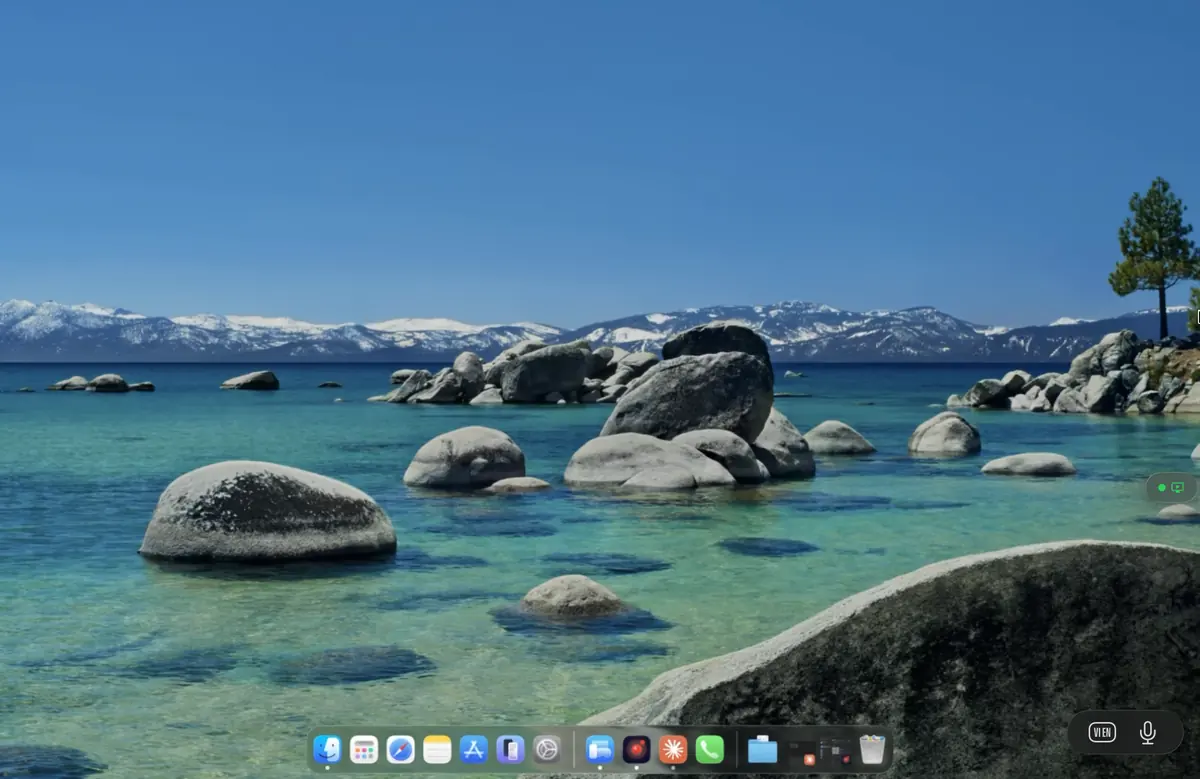
Yes. macOS uses Cmd as the primary modifier where Windows uses Ctrl, and Remio remaps them automatically by default — Cmd+C on your Mac keyboard fires Ctrl+C on the PC, so copy, paste, undo, and save land the way your hands expect. Every key forwards, including the F-row and modifiers, and you can turn the mapping off in Preferences → Keyboard → Auto Modifier Remap if you prefer raw keys.
Is it free?
Yes. Remio is completely free — every feature, on every platform. The Mac client, the Windows host, 4K streaming, audio, clipboard sync, file transfer, monitor switching, unattended access, and end-to-end encryption are all included. There is no account and nothing held back.