Does it work with Windows 11 Home?
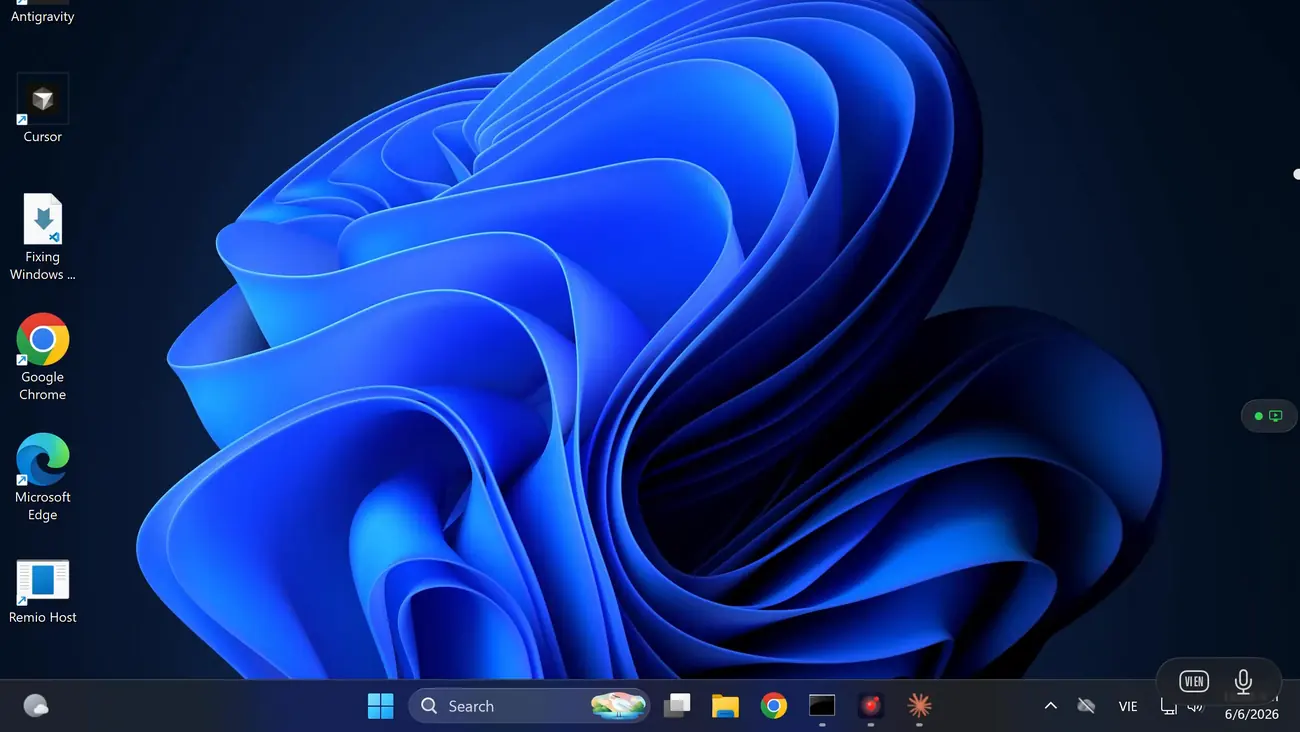
Yes. Remio brings its own native host, so the Home edition restriction on built-in Remote Desktop never comes into play. The host runs on Windows 10 (build 19041+) and Windows 11 — Home editions included — with no Pro upgrade, no registry patches, and no edition check. Every feature works on Home, free.
Do I need a Microsoft or Google account?
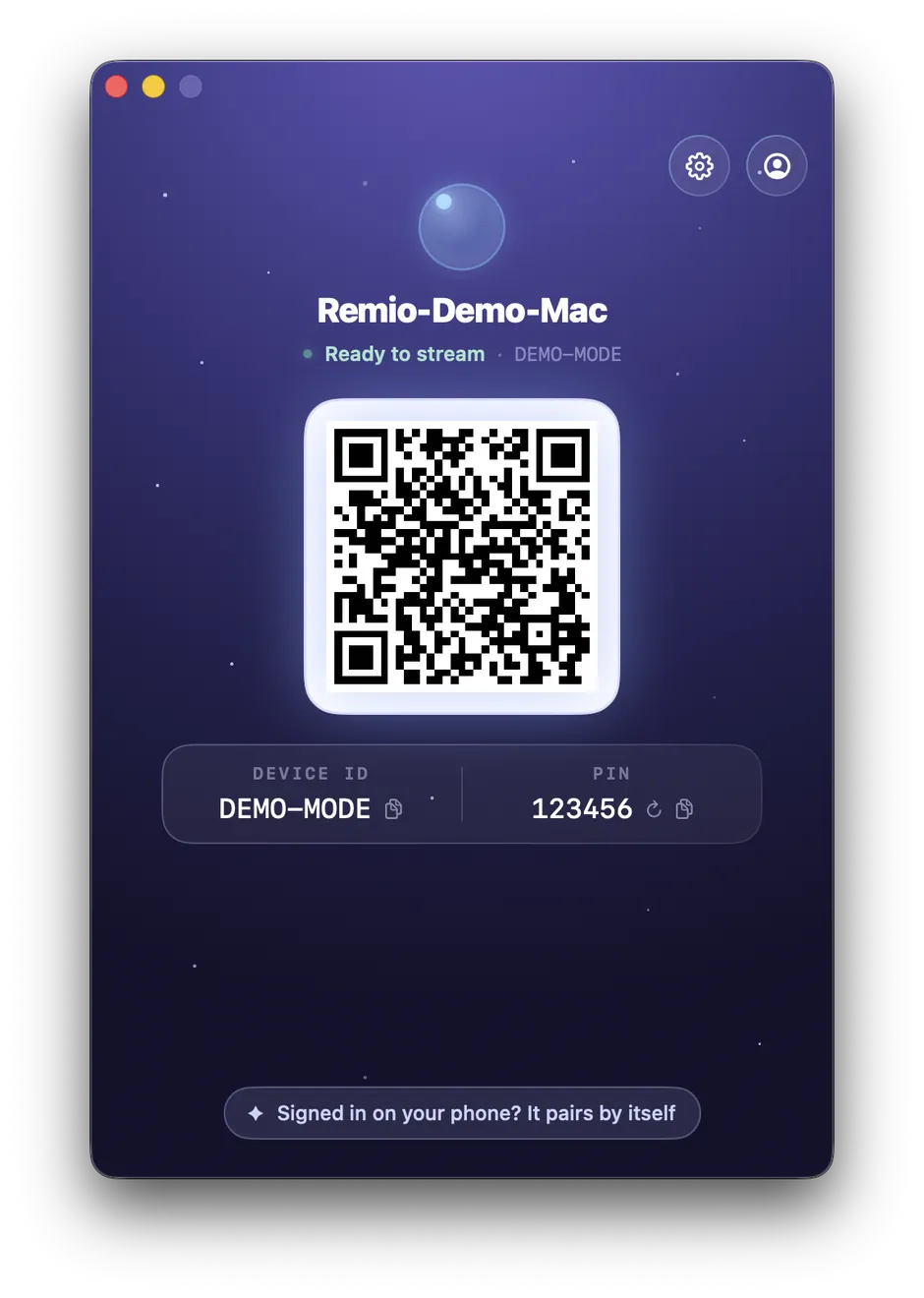
No account of any kind — no Microsoft account, no Google account, and no Remio account either. The Windows host shows a six-digit code you can rotate anytime; type it into the Android app once and the two devices exchange encryption keys and remember each other. No email, no password, no profile.
Does it work over mobile data?
Yes. After the first pairing, the Android client reaches your Windows PC over mobile data or any Wi-Fi network using peer-to-peer NAT traversal, with an encrypted relay as fallback when a direct path is impossible. Sessions stay end-to-end encrypted either way — a relay only ever forwards ciphertext it cannot read, and you never open ports or touch your router.
What Android version do I need?
Android 12 (API 31) and later. Tested on Pixel 6, 7, 8, and 9; Samsung Galaxy S22, S23, and S24; Galaxy Tab S8 and S9; and OnePlus and Xiaomi flagships. Anything newer than five years old with a modern hardware decoder should run Remio at full 120 fps. Older devices may still work but will fall back to software paths and warmer batteries.
Is it really free?
Completely free — every feature, for everyone. Unattended access, monitor switching, audio, file transfer, Wake-on-LAN, 4K streaming, and end-to-end encryption all ship in the one build everyone gets. There is no feature gate, no trial clock, no usage detector, and no account to create.