Phase 01 — Virtual display
A single floating screen
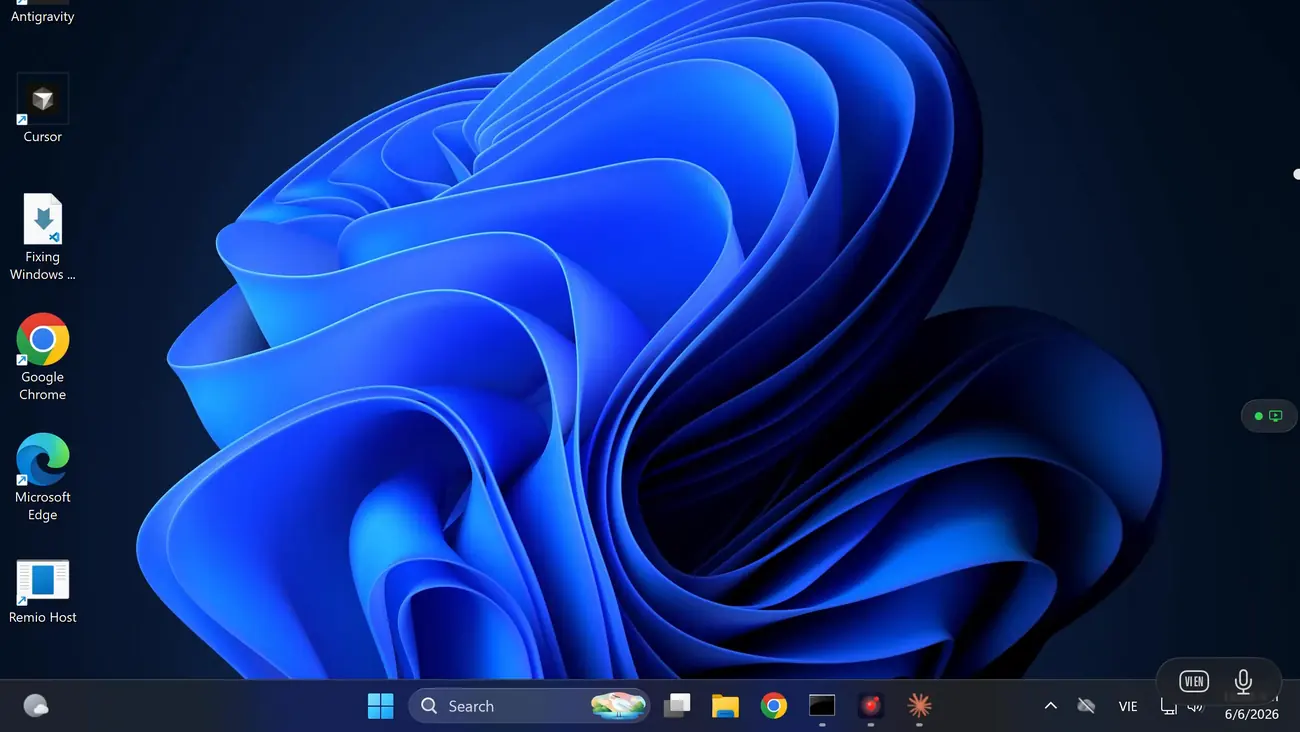
Your Windows desktop as one floating screen at full resolution and full fidelity, in a spatial window you can place anywhere in the room.
Your Windows PC has the games and apps; Vision Pro has the screen. Remio pairs a free Windows host — shipping today — with a native visionOS client that's in development. Install the host now and your PC is ready the day the headset build arrives.
Vision Pro doesn't run Windows software, and a Windows PC has no headset. But the PC has the raw GPU and the library — and the headset has a screen the size of a wall. Remio connects the two: the PC does the work, the headset shows a flat Windows desktop inside a spatial window.
The client is 100% native — same Apple frameworks visionOS uses for its own apps, same engine that already ships on iPad and Mac, targeting visionOS 2.0 or later. It's being built step by step.
Your Windows desktop as one floating screen at full resolution and full fidelity, in a spatial window you can place anywhere in the room.
Switch between your computer's monitors from inside the spatial window — pick which screen to view, without leaving the headset.
Beyond look-and-pinch — natural hand gestures to scroll, resize, and interact with the remote desktop.
Toolbars beside you, notifications in your peripheral vision — the remote desktop becoming truly three-dimensional.
There is no native visionOS app yet — it's in active development, phase 01 first. The Windows host, though, ships today and already streams to Remio's iPhone, iPad, Mac, Android, and Windows clients. Join the waitlist for the native build.
The free Windows host runs on Windows 10 (build 19041+) and Windows 11 — Home editions included, no Pro upgrade, no RDP. The host GPU encodes the stream in hardware — H.265, with H.264 fallback, on NVIDIA, AMD, and Intel. Pairing is a six-digit code you can rotate anytime, and every session is end-to-end encrypted.
Install it now — your PC is ready the day the headset build arrives.
The same host powers remote desktop on Windows 11 Home, cloud gaming, 3D & CAD, and a six-screen trading desk in every use case. Connectivity model: how it works. Security: the details.
PC games stream to Vision Pro as flat-screen streaming — that's the design. On the shipping iPad and Mac clients the same engine runs 4K at 120 FPS, with ~8 ms of processing latency on LAN.
Your games render flat — VR titles don't stream as VR. There is no SteamVR pass-through and no immersive-title streaming, and Remio doesn't claim otherwise. Flat-screen streaming is the whole, honest pitch.
That desktop lands on a giant virtual screen — the 100-inch-class display the Vision Pro page describes. Cinema-sized, in practice limited by where you place it.
H.265, with H.264 fallback, on NVIDIA, AMD, and Intel GPUs — the encode never touches the CPU, so frame rates stay high.
A buttery 4K at 120 FPS, with ~8 ms of processing latency on LAN, measured internally on shipping clients. The Vision Pro client rides the same engine.
Install the host today; join the waitlist for the headset client. The PC side is done in five minutes.
Run the Remio host on Windows 10 (build 19041+) or 11, Home included. Accept the one-time Defender Firewall prompt. No Microsoft account, no Pro, no registry edits.
The native visionOS client is in development. Join the waitlist on the Vision Pro page for early access.
The host shows a six-digit code you can rotate anytime. Keys exchange directly between your devices, which then remember each other.
Select the PC in the device list. The full Windows desktop appears — audio in sync, switch between your computer's monitors, end-to-end encrypted.
A six-screen trading desk that fits in a bag. Phase 02 brings instant display switching to the spatial window — pick which of your computer's monitors to view, without leaving the headset. No wall of panels to rent or ship.

Install the free Windows host today — it streams to every Remio client now, and pairs the same way when the visionOS build arrives. Free, no account, no card.