Compare · Remio vs Moonlight

Native vs open source, side by side.

An open comparison across GPU support, encryption, latency, mobile input, and feature scope. Numbers are current as of May 2026 and name where Moonlight still wins — it is a beloved open-source project, and these are the differences that actually matter when you choose between them.

Head to head

Remio vs Moonlight at a glance

Twenty-seven rows across GPU support, performance, security, mobile input, productivity, platforms, and pricing. Where Moonlight is genuinely ahead — 120 fps on a tuned NVIDIA host, a Linux/ChromeOS/tvOS client, and full open-source auditability — the table says so.

CapabilityRemioMoonlight
GPU and hardware
Host GPU supportNVIDIA · AMD · Intel · Apple SiliconNVIDIA (or Sunshine for others)
Host setupInstall → 4-digit PIN → connectSunshine install + pairing for non-NVIDIA
Hardware encoderNVENC · AMF · Quick Sync · VideoToolboxNVENC primary, Sunshine adds AMF / VAAPI
Performance
LAN glass-to-glass latency8 ms~12 ms (Sunshine, NVIDIA host)
WAN typical latency (same region)22 msSelf-hosted relay required
Maximum resolution4K (3840 × 2160)4K (3840 × 2160)
Frame rate ceiling60 fps120 fps (NVIDIA host)
Video codecsH.265 · AV1 · VP9H.264 · H.265 (GPU-dependent)
Security
Stream encryptionDTLS 1.3 + SRTP, always onOff by default (pairing only)
Data-channel encryptionAES-256-GCM, end-to-endNot applicable
Pairing model4-digit PIN, on-device4-digit PIN, mutual TLS handshake
WAN reach without port forwardingYes (encrypted WebRTC)No (manual VPN or relay)
Input and mobile
Touch inputNative gestures, smart touch zonesTouch-to-mouse mapping
On-screen controlsContext-aware, customizableVirtual gamepad overlay
Hardware gamepadYesYes (GameStream protocol)
Productivity features
Clipboard syncYes (bidirectional)No
File transferIn progressNo
Multi-monitorYes (selectable)Primary display only
Audio + microphone routingBoth directionsAudio out only
Platform and licensing
macOS · iOS · Android · WindowsNativeNative
visionOSNativeNo
Linux · ChromeOS · tvOSLinux host: Yes (v1.0, X11); Linux client, ChromeOS, tvOS: plannedYes, all three
Source codeProprietaryGPLv3, fully open
Maintained bySmall indie teamCommunity volunteers
Pricing (May 2026)
Personal use$0 (everything included)$0 (forever, GPLv3)
Paid tier
Support modelDirect developer supportCommunity forums, GitHub issues
The verdict

Which one should you pick?

Remio wins on GPU freedom, default end-to-end encryption, mobile input, productivity features, and out-of-the-box WAN reach. Moonlight wins — genuinely — on open-source auditability, 120 fps on tuned NVIDIA hosts, GameStream protocol heritage, and the DIY satisfaction of a Sunshine setup you already love. Here is the honest split.

Choose Remio if…

You want any GPU, encryption by default, and real mobile input.

Your host isn't NVIDIA — or you don't want to run a second Sunshine daemon on top of it — and you want the video stream encrypted without a config flag to remember. You also want clipboard sync, multi-monitor selection, and audio in both directions, plus a mobile client built around real touch gestures instead of a mouse-mapped overlay. Remio is free with no per-seat tier, on every platform including visionOS.

Stick with Moonlight if…

You have an NVIDIA GPU and want 120 fps, fully open source.

You already have a tuned NVIDIA host, want the 120 fps ceiling Moonlight/Sunshine can hit, and value full source-code auditability with GPLv3 licensing over a proprietary app from a small team. If you also need Linux, ChromeOS, or tvOS clients, or you simply enjoy the DIY GameStream/Sunshine ecosystem, Moonlight remains the right tool.

Detailed breakdown

Where each tool wins

Six categories, one paragraph each. The numbers in the table above are the headline; the paragraphs below are the why.

01
GPU support

Any hardware encoder, no second daemon

Moonlight is a clean-room re-implementation of NVIDIA GameStream, so on a stock Moonlight host the GPU must be NVIDIA. The community filled the gap with Sunshine, an open-source server that supports AMD, Intel, and Linux GPUs — but that adds a second install, a second pairing screen, and a second project to keep updated. Remio just uses whatever hardware encoder your host already has, whether it's NVIDIA, AMD, Intel, or Apple Silicon. There is no second daemon, no second pairing, and no protocol patchwork.

02
Encryption

Encrypted by default, not by configuration

Moonlight inherits the GameStream protocol, which encrypts the pairing handshake but sends the video stream in plaintext. On a trusted LAN that is acceptable; on shared Wi-Fi, in a co-working space, or over the open internet, it is a problem. Remio encrypts every session end-to-end with DTLS 1.3 for media and AES-256-GCM for the data channel. Keys never leave your devices, the relay does not see your frames, and there is no toggle to disable encryption.

03
Latency

Neck and neck on LAN; Moonlight genuinely wins at 120 fps

On a LAN, both tools are in the same neighbourhood — Moonlight on a tuned NVIDIA host with Sunshine measures around 12 ms at 1080p, Remio measures around 8 ms at 4K. Moonlight wins on 120 fps support when you have the GPU and display for it. The interesting gap opens off-LAN: Moonlight requires you to expose a port, run a VPN, or stand up your own relay, while Remio reaches the host from cellular and untrusted Wi-Fi without any of that work.

04
Mobile input

Real touch gestures, not a mouse painted on glass

Moonlight's mobile apps are functional, but the touch model is essentially "draw a mouse over the screen" with a virtual gamepad overlay on top. Remio's mobile apps are built around real touch — long-press for right-click, two-finger scroll, pinch-to-zoom on the remote canvas, context-aware on-screen controls, and full hardware gamepad support. If you actually use a phone or tablet as a primary client, the difference is noticeable within the first minute.

05
Productivity scope

General-purpose desktop, not just a game client

Moonlight is a game-streaming client and stays in that lane: no clipboard sync, no file transfer, no microphone forwarding, no multi-monitor selection. Remio is a general-purpose remote desktop with clipboard in both directions, multi-monitor switching, audio and microphone routing, and file transfer in progress — while still delivering 60 fps gaming when you want it. If the same tool needs to handle Premiere on Monday and Cyberpunk on Saturday, the scope difference matters.

06
License and trust model

Open-source auditability vs default privacy plus integrated UX

Moonlight is GPLv3 with a healthy community and a public roadmap on GitHub. Every line is auditable, every release is reproducible from source, and if the maintainers walked away tomorrow the project would survive a fork. Remio is proprietary, shipped by a small team, with default encryption and a faster cadence on platform polish. The honest trade is open source auditability versus default privacy plus integrated UX — pick the one whose failure mode you can live with.

Native, not a web wrapper

Every pixel, on real hardware.

Remio streams a full desktop to a native app on every device — SwiftUI on Apple, Jetpack Compose on Android, C++/WinRT on Windows. No Chromium runtime in the rendering path: frames go from the hardware decoder to the screen the way the OS intends, which is where the sub-10 ms LAN latency comes from — on any GPU, not just NVIDIA.

Pair with a 4-digit PIN. No Sunshine, no port forwarding, no NVIDIA card required.

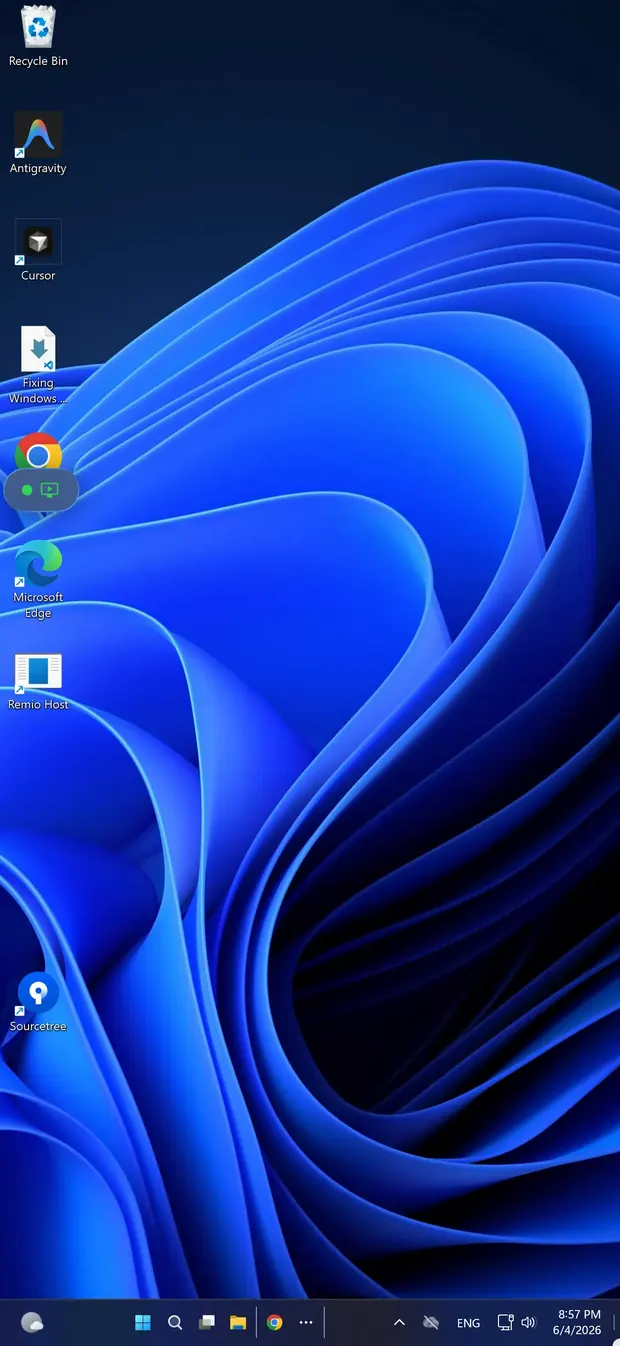
Remio streaming a Windows gaming PC on iPhone — no NVIDIA GPU required
The five-minute switch

How to switch in 5 minutes

No Sunshine to install, no port forwarding, no NVIDIA requirement. Two installs, one PIN, and an optional toggle for unattended access.

01

Install the host

On the gaming PC or Mac you want to reach — macOS 15+ or Windows 10 (build 19041+)/11, any GPU — grab the host from the download page, launch it, and grant the screen-capture permission once. It then waits in the menu bar or system tray.

02

Install the client

On the device you connect from — iPhone or iPad (iOS/iPadOS 18+), another Mac (macOS 15+), Android (10+), a Windows 10/11 PC, or Apple Vision Pro via the iPad app — install the Remio client from the same download page.

03

Pair with the PIN

The host displays a 4-digit one-time PIN. Type it into the client within 60 seconds — the PIN expires after that — and the devices exchange keys over ECDHE-Curve25519 and remember each other. Reconnections are instant, no PIN required.

04

Optional: unattended

Flip on unattended access in the host settings to connect without anyone at the remote end, and enable Wake-on-LAN to wake a sleeping machine first. The full walkthrough is in the getting-started guide.

Common questions

Common questions about switching from Moonlight

The five questions people ask before they replace Moonlight. Straight answers below.

Does Remio require an NVIDIA GPU like Moonlight?
No. Remio encodes on whatever hardware encoder your host already has — NVENC on NVIDIA, AMF on AMD, Quick Sync on Intel, VideoToolbox on Apple Silicon. Moonlight is built on NVIDIA GameStream, so non-NVIDIA hosts must run Sunshine, a community re-implementation, to be reachable.
Is Remio faster than Moonlight on a LAN?
Both land in the same neighbourhood on a LAN. Remio measures around 8 ms glass-to-glass at 4K 60 fps; Moonlight on Sunshine measures around 12 ms at 1080p 60 fps with a tuned NVIDIA host. The interesting difference is off-LAN: Moonlight requires you to set up your own relay or port forwarding, while Remio uses encrypted WebRTC and reaches the host from cellular without configuration.
Is Moonlight encrypted?
The Moonlight pairing handshake is encrypted, but the video stream itself is not encrypted by default — it inherits NVIDIA GameStream's plaintext H.264 / H.265 transport. Anyone with packet capture on the path can reassemble the screen. Remio encrypts every session end-to-end with DTLS 1.3 and SRTP, with no opt-out.
Can Moonlight handle remote work as well as game streaming?
Moonlight is designed for game streaming and shows it. Clipboard sync, file transfer, multi-monitor selection, audio routing, and microphone forwarding are missing or limited. Remio is a general-purpose remote desktop with all of those built in, while still delivering 60 fps streaming for gaming.
Is Remio open source like Moonlight?
No. Remio is proprietary, shipped by a small team. Moonlight is GPLv3 with active community development. If full source auditability is non-negotiable, Moonlight wins. If polished native apps, default encryption, and one-PIN pairing matter more, Remio is the better fit.
Other comparisons

Compare Remio to the rest of the field

Same numbers, same structure, twelve other tools. Pick the one closest to what you already use.

Remio app icon

Stream from any GPU, in five minutes.

Download once, pair with a PIN, see the latency on your own LAN — no Sunshine, no port forwarding, no NVIDIA card required. If Moonlight still serves you better — and on a tuned NVIDIA host chasing 120 fps, it might — you are out exactly five minutes.